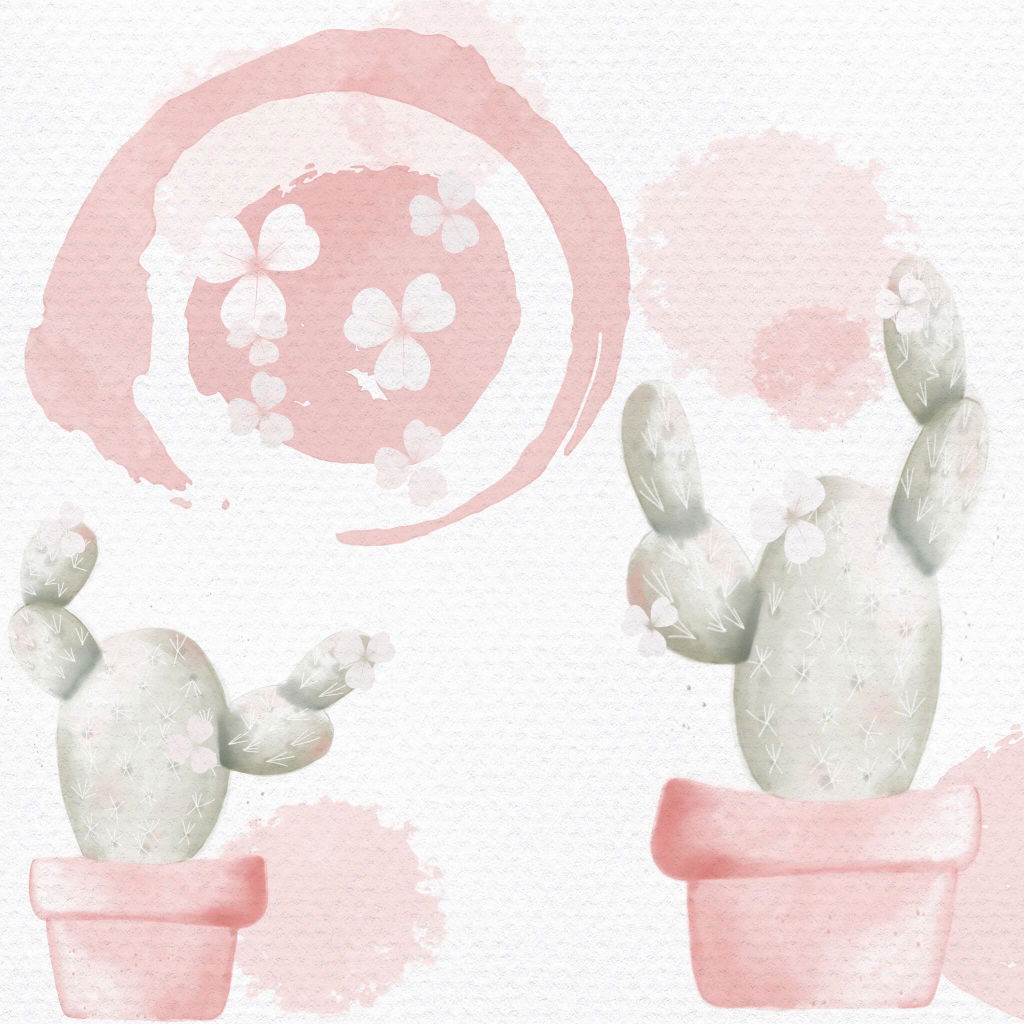
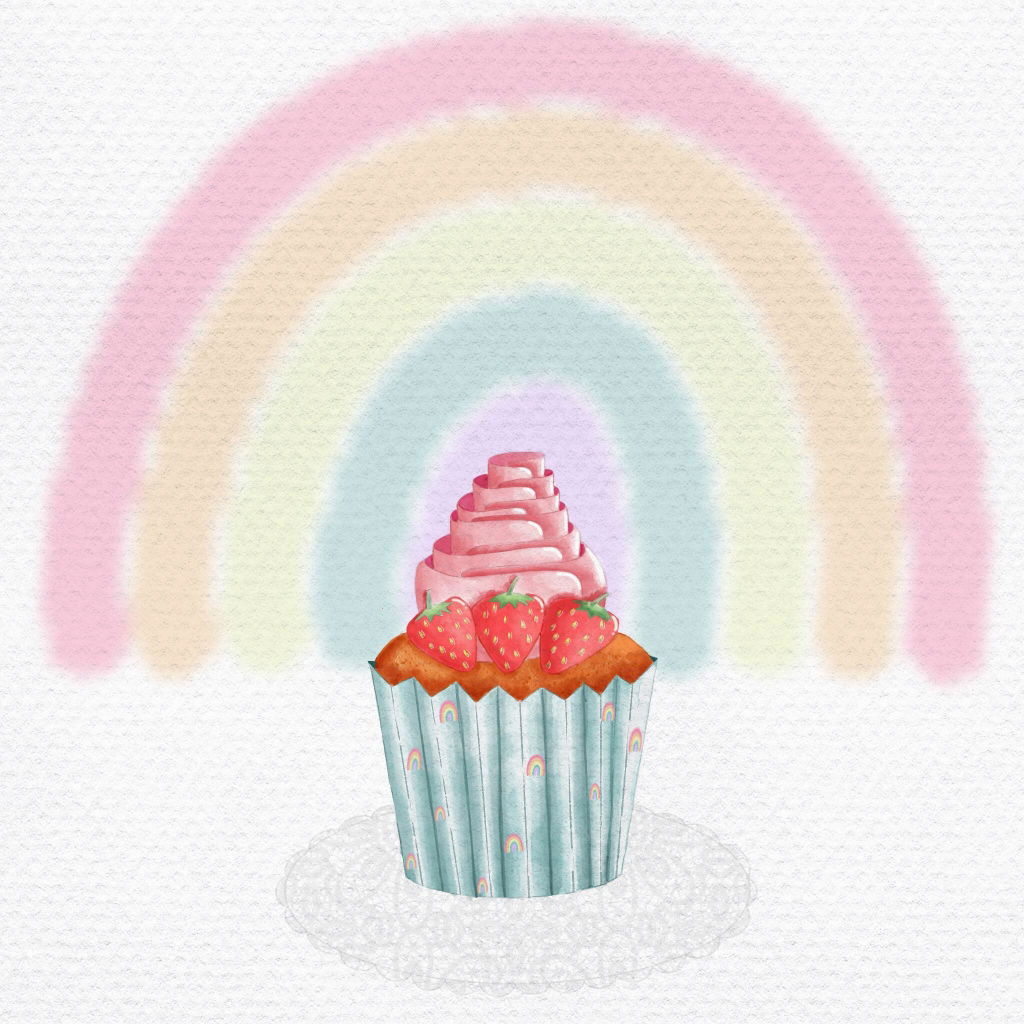
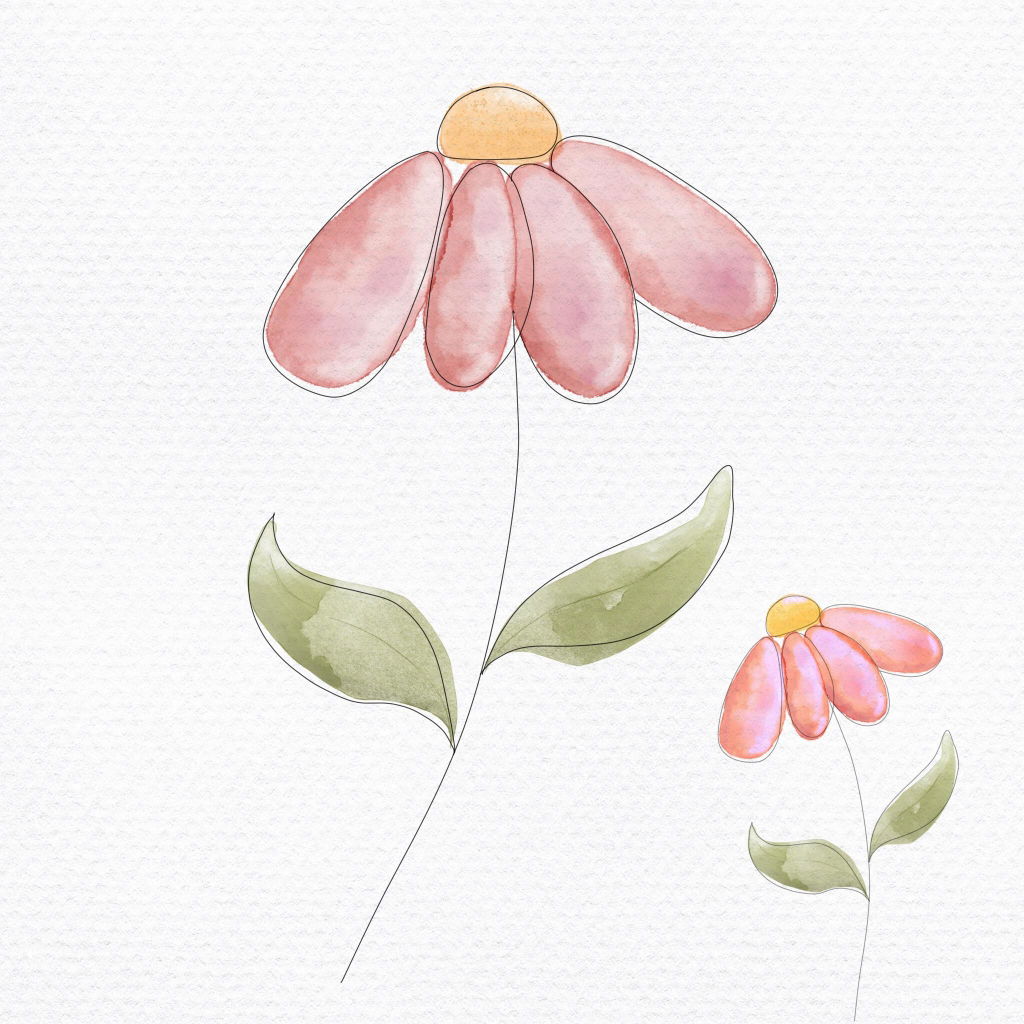
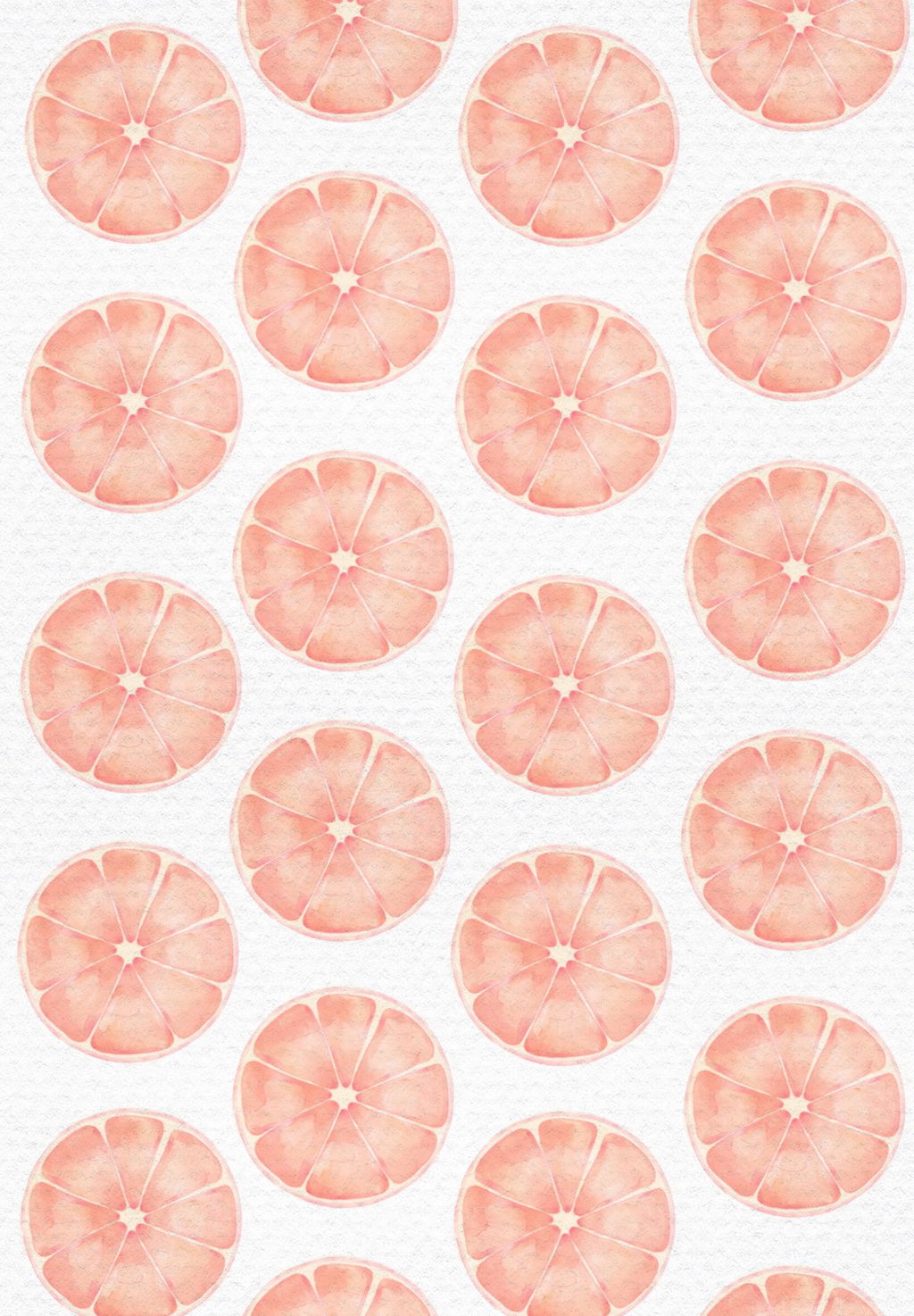
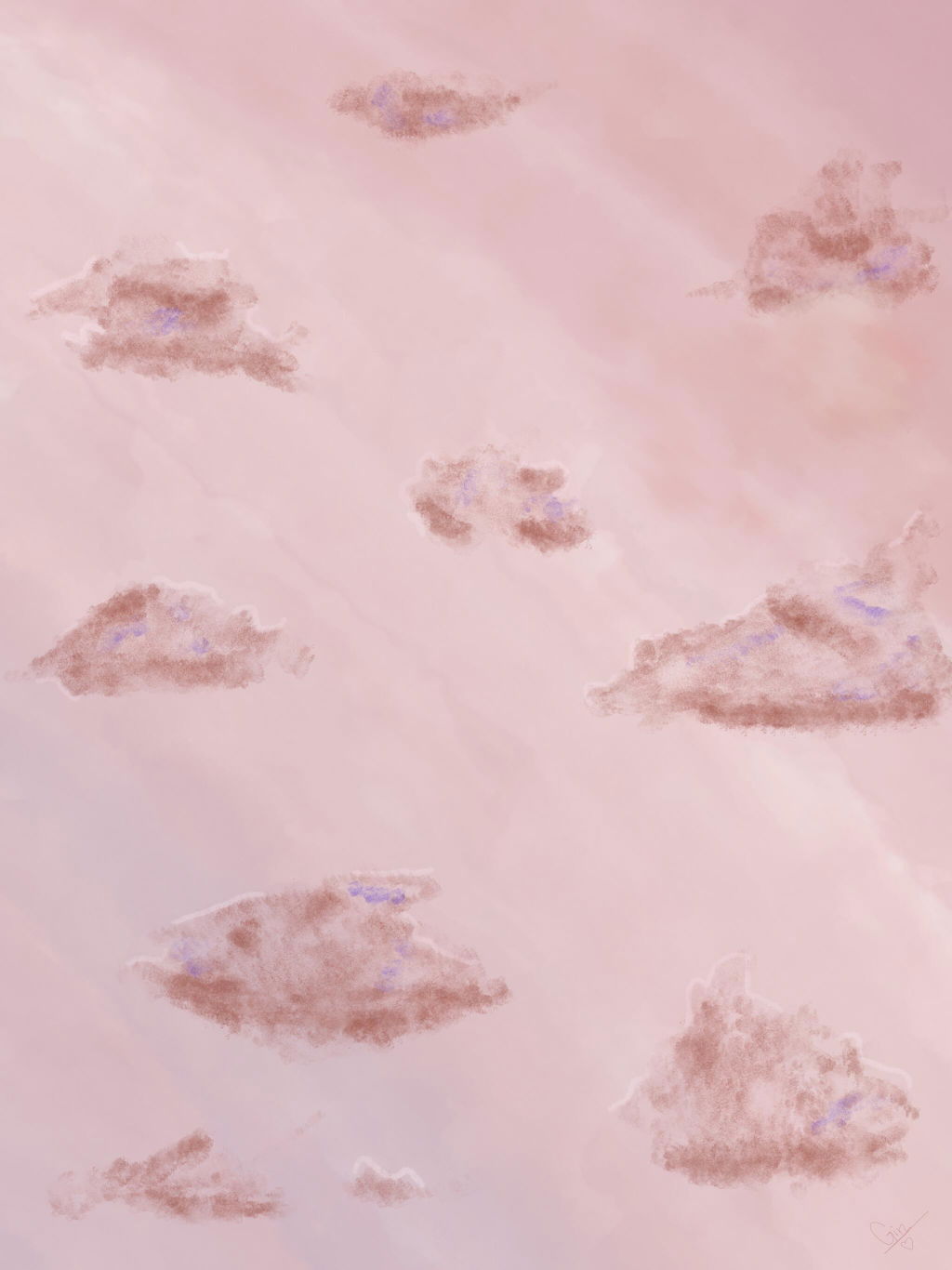
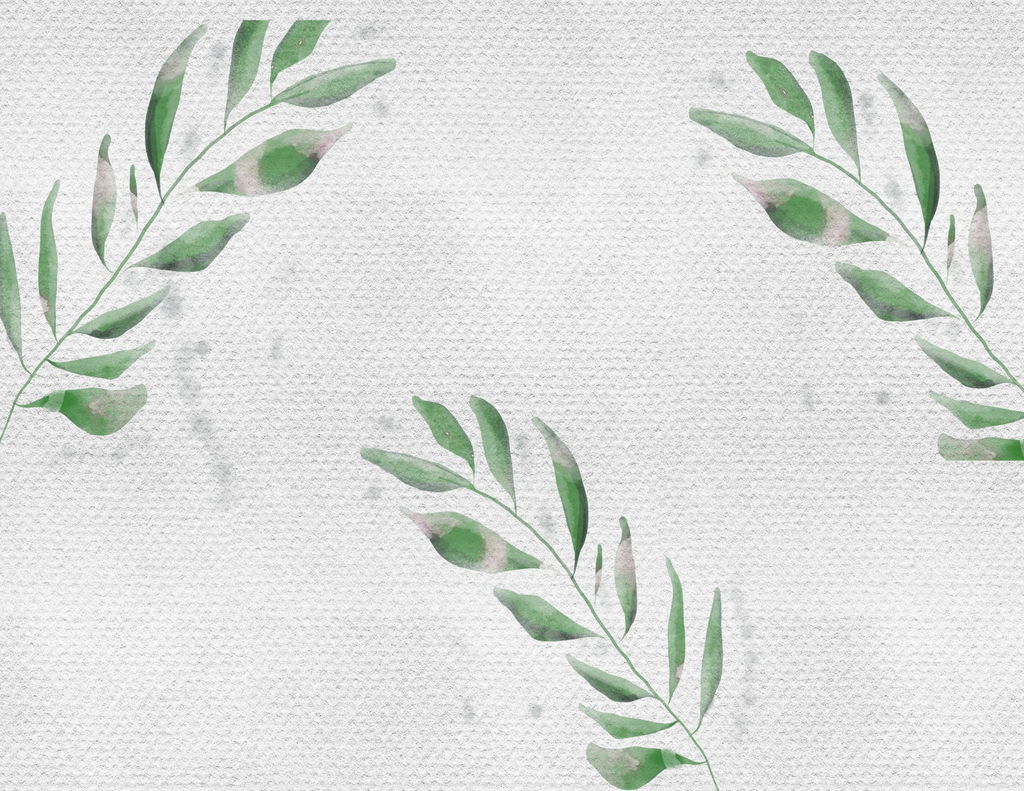
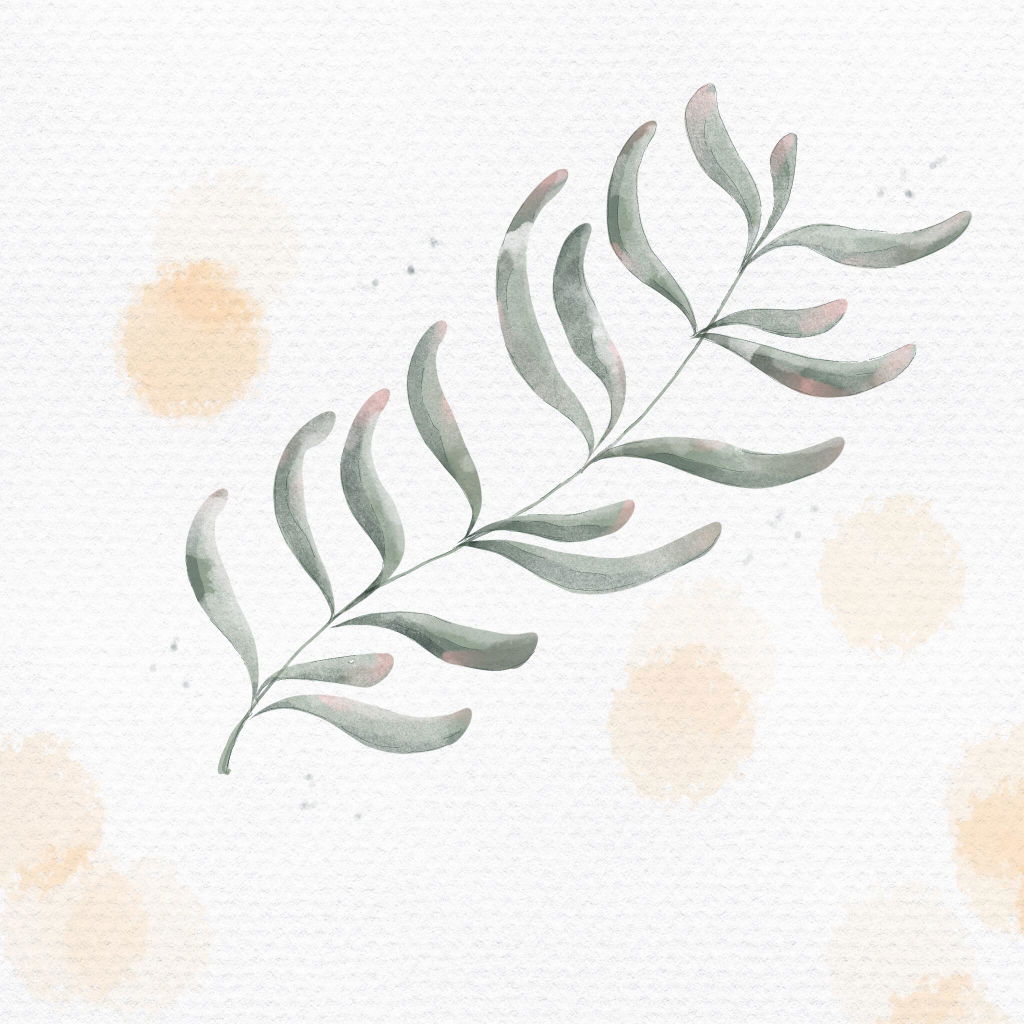
Este curso es muy práctico y fácil de seguir: Incluye lecciones paso a paso, ejercicios prácticos y muchos recursos descargables 📂✍️ Con acceso para siempre, para que aprendas a tu ritmo y repitas las lecciones siempre que necesites.
DIGITAL WATERCOLOR: STEP-BY-STEP COURSE AND BRUSHES - Spanish audio
Couldn't load pickup availability
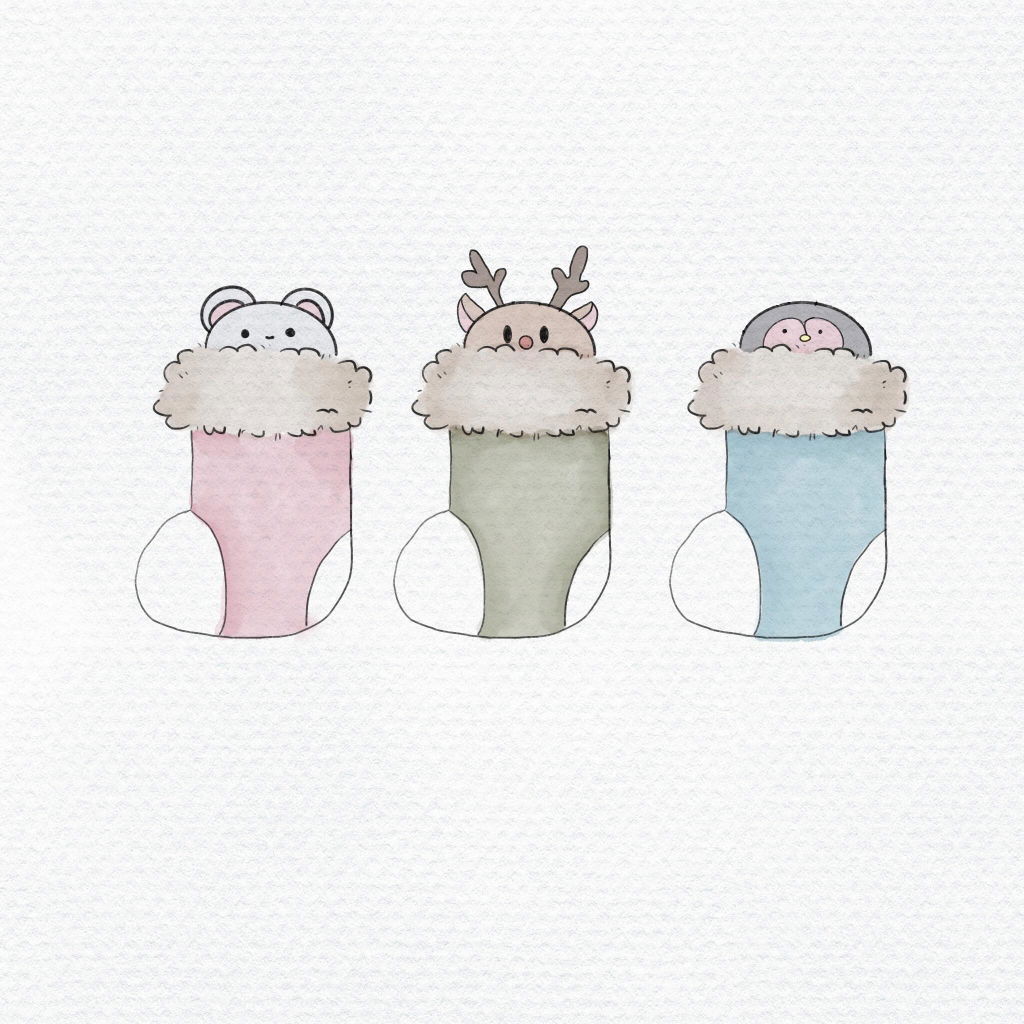
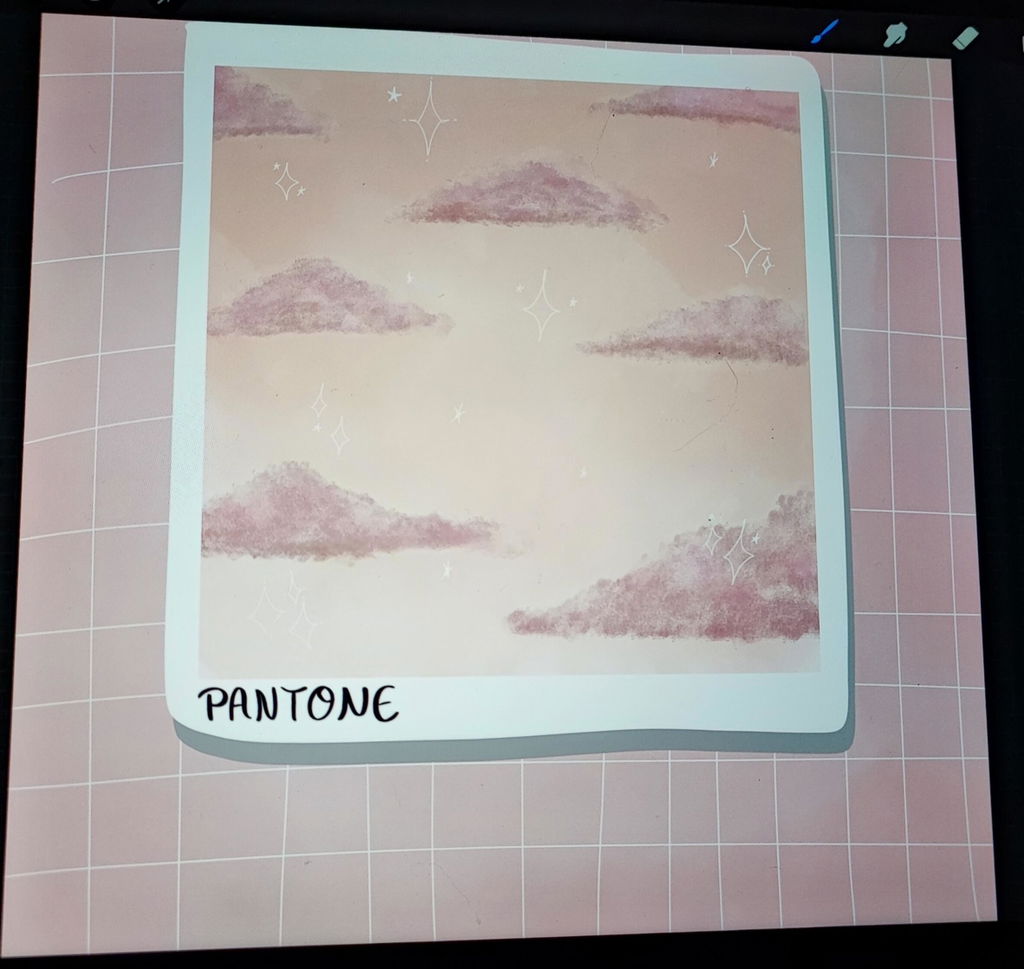
Experiment and let yourself be carried away by the different possibilities of this incredible digital illustration technique, watercolor. In this digital watercolor course in Procreate you will learn to master the watercolor technique step by step with different illustration projects and tricks to continue improving.
This digital watercolor illustration course is suitable for both beginners and more advanced digital illustration experts . To follow this course, you need to have the Procreate app installed on your iPad.
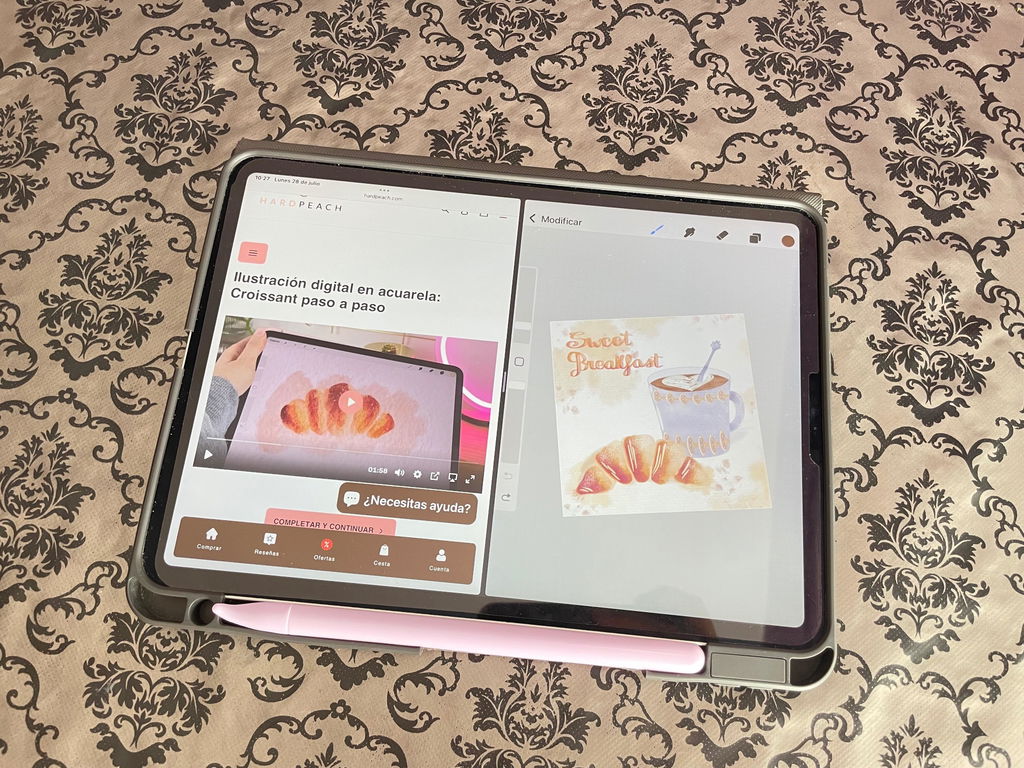
The audio for the digital watercolor illustration course is in Spanish. It includes different resources, brushes for Procreate, and different step-by-step video lessons, which you can view and pause as many times as you need, so the course is completely at your own pace.
You can start the course whenever you want and at your own pace, you will always have access to the different contents.
What you will learn
This digital watercolor course is aimed at anyone who is interested in this type of technique or who wants to create watercolor illustrations from scratch for different projects. Therefore, in this course we will learn:
- We will learn how to add resources to Procreate
- Using brushes and color palettes in Procreate
- Create the preliminary sketch
- Manage layers and clipping masks
- We will learn to use the digital watercolor technique
- Apply light and shadow
- Create effects with more water in watercolor
- Step by step techniques
- Use the Procreate App for your own projects
- Colored in watercolor
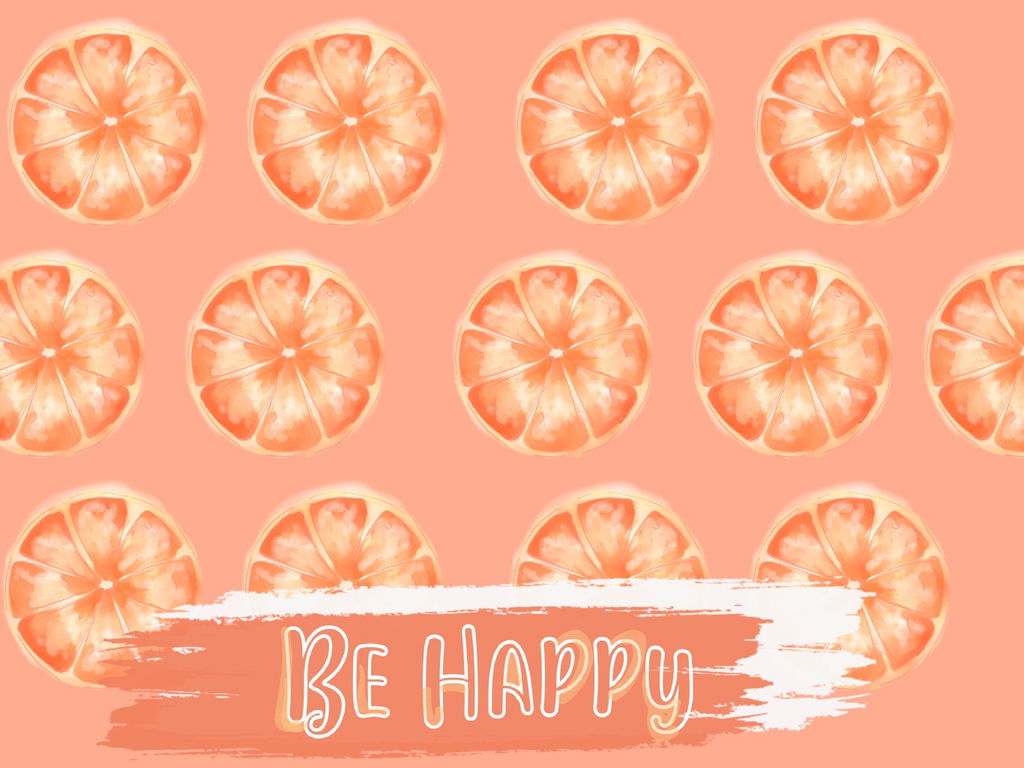
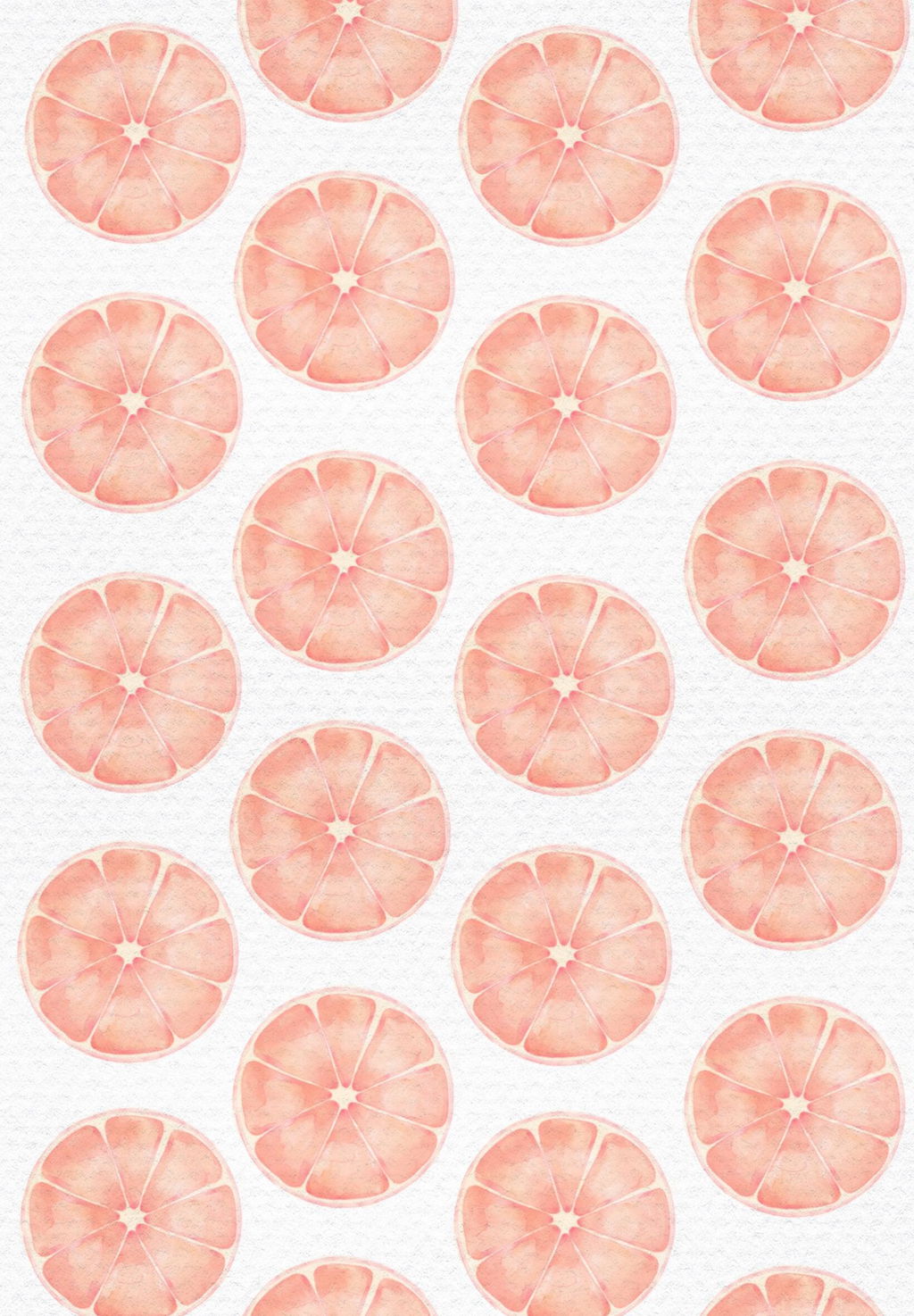
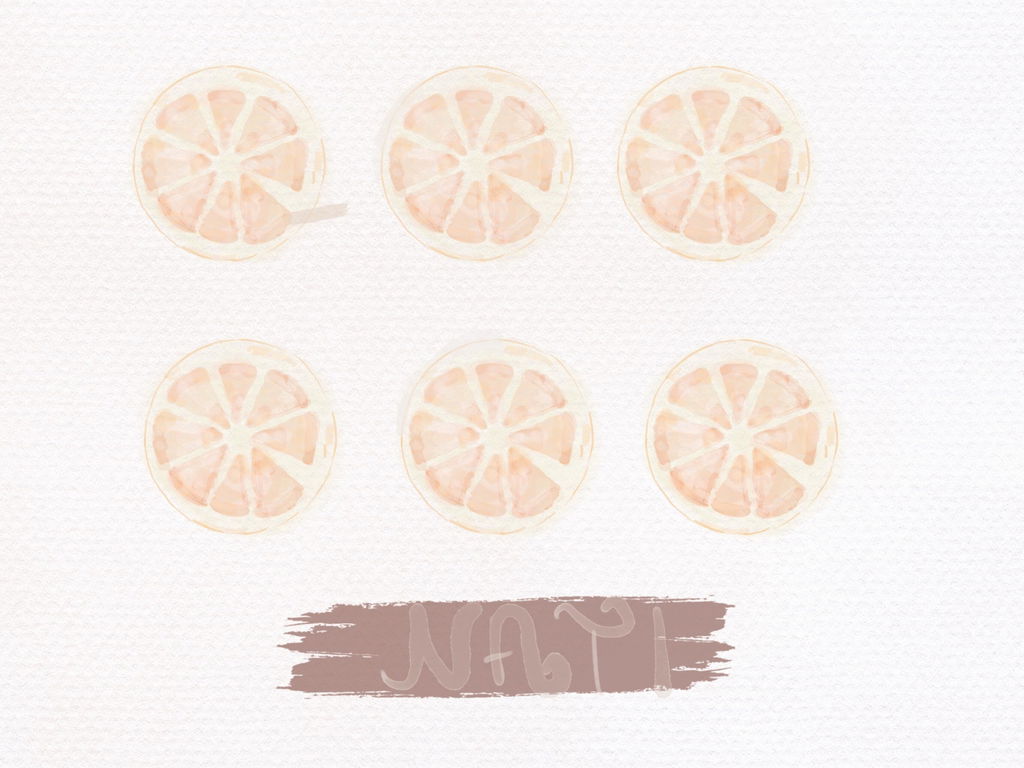
- Create a watercolor pattern for different purposes
What's included
This digital watercolor course in Procreate includes:
- Color palettes to install in Procreate
- 26 Brushes for Procreate
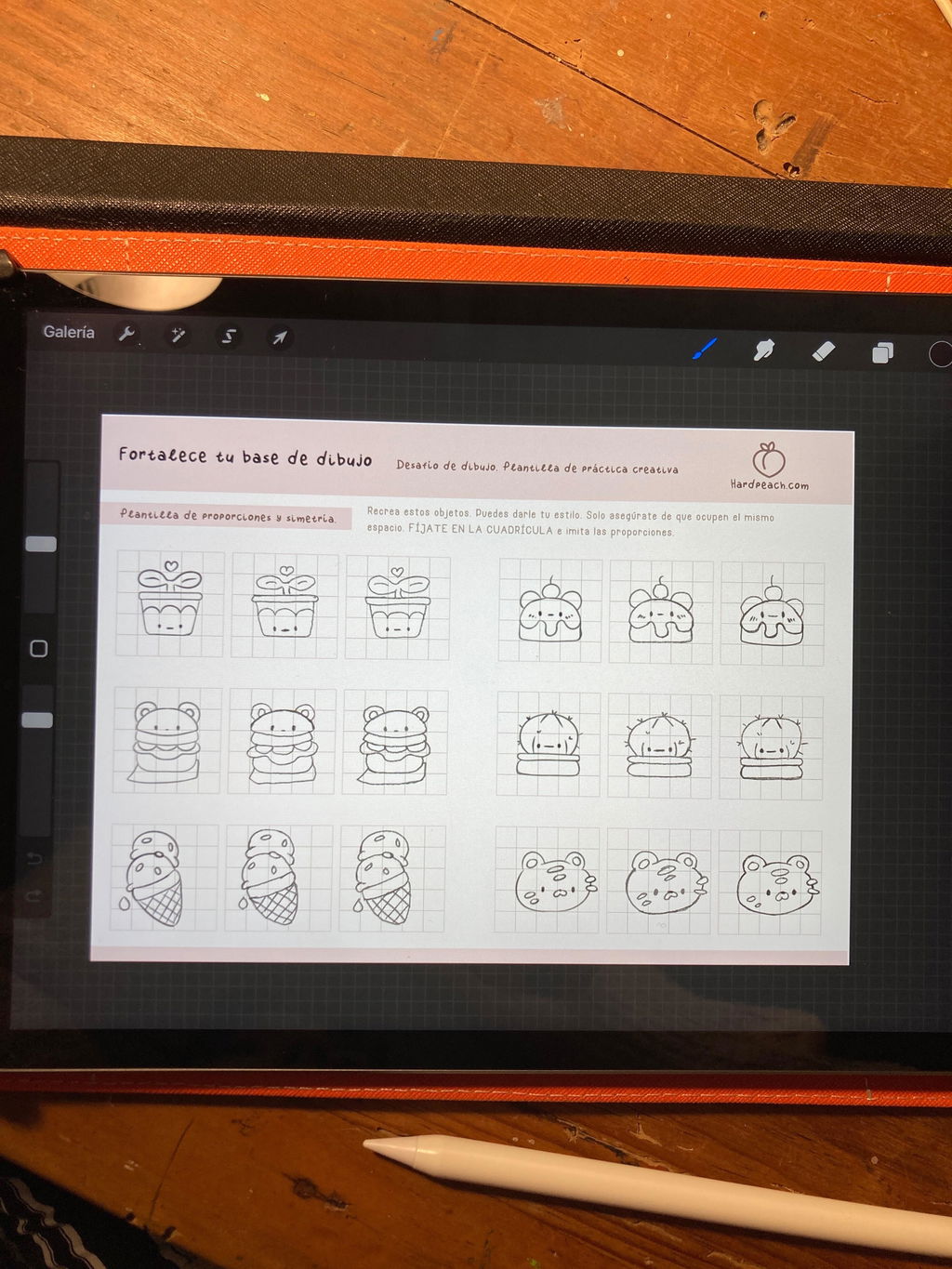
- Creative challenge with multiple practice templates
Video lessons included in this course:
- Introduction (Duration: 05:53 minutes)
- What we will learn in the course
- Create a watercolor background
- Explanation of the different brushes included
- Illustration: Watercolor plant leaves (Duration: 08:15 minutes)
- We will learn to illustrate plant leaves in watercolor
- Initial sketch
- How to apply eyeshadow
- Application of lights
- Layers in Procreate
- Coloring - application of color
- Tips for beginners
- Tips and recommendations
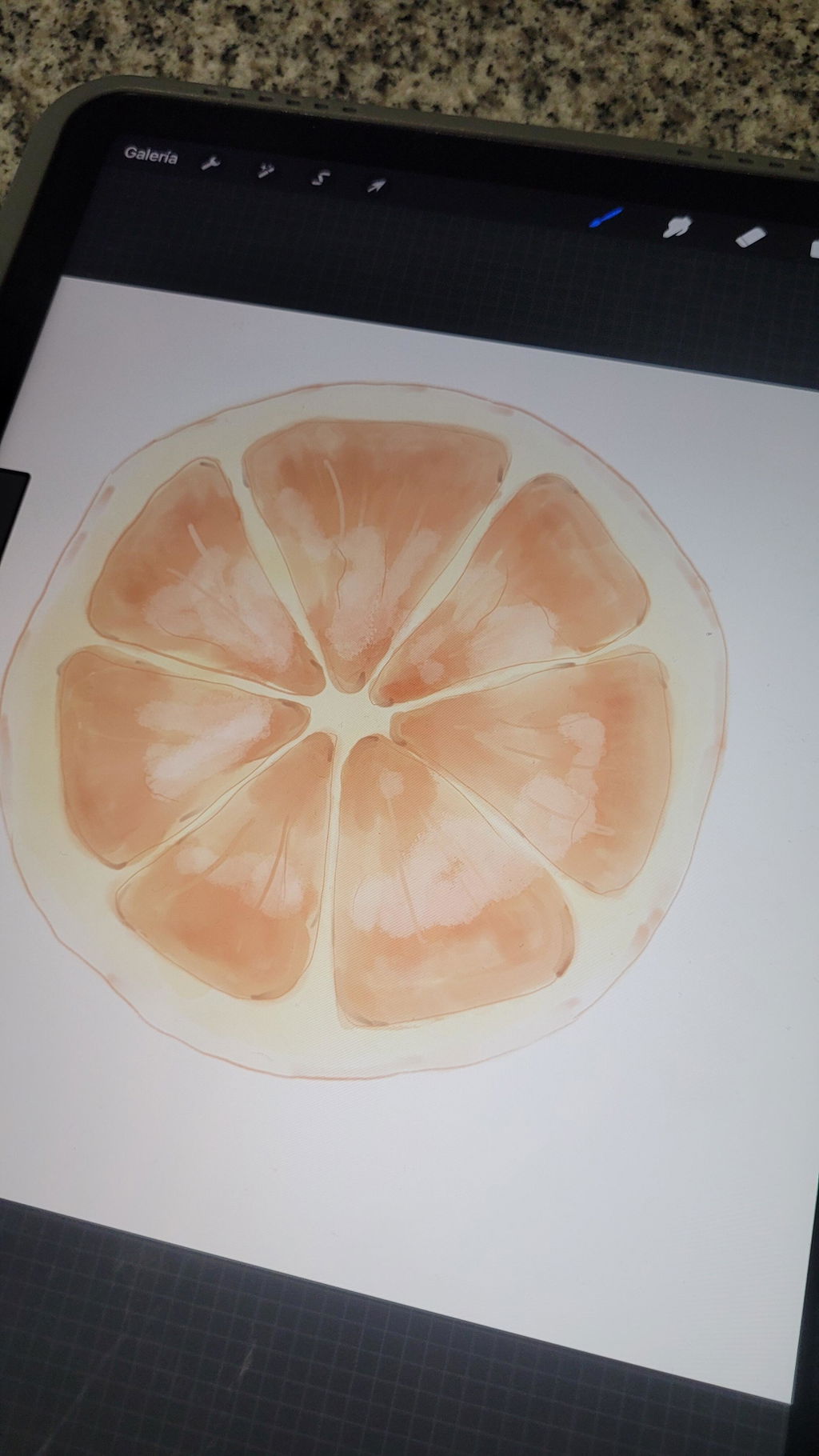
- Watercolor fruit illustration (Duration 7:33 minutes)
- We will learn to illustrate fruits in watercolor
- Initial sketch
- How to apply eyeshadow
- Application of lights
- Layers in Procreate
- Coloring - application of color
- Tips for beginners
- Tips and recommendations
- Digital watercolor illustration, tips and techniques. (Duration 10:15 minutes)
- Using brushes
- Digital watercolor techniques
- Initial sketches
- Lineart
- Layers in Procreate
- Coloring - application of color
- How to develop the digital watercolor technique
- Key tips for your own projects
5. Create digital watercolor patterns
- Using brushes
- Digital watercolor techniques
- Creating the canvas
- Layers in Procreate
- Complete process of the pattern we will use
- Key tips for creating your pattern in Procreate
- How to create the Pattern from scratch
Includes additional explanatory bonus videos with more practical projects to consolidate the knowledge of the digital watercolor course.
You will always have access to the different videos, you can follow the course at your own pace.
Requirements
To be able to follow this complete course and be able to use the brushes, as well as the color palette that is included, you must have the Procreate App.
To follow the entire course, you will need to have an iPad and have the Procreate App installed, which you can download from the App Store on your iPad. Please note that this course requires the use of stroke pressure, so you will need to have the Apple Pencil or an alternative that detects pressure on your iPad.
Procreate is available on iPad. The Procreate app is compatible with iPad and can be downloaded from the App Store.
More details
With this digital watercolor course we will learn this style and the different techniques that we can apply to our personal and professional projects. We will carry out several examples and step-by-step methods in the different videos of the course so that you can experience digital watercolor for yourself.
Create your own works both personally and for your business or work. You will be able to apply all the knowledge acquired in your creations.
LEGAL NOTICE
You will be able to apply the knowledge from the course to your own work, whether personal or professional. In this way, you will be able to apply the knowledge acquired to obtain profitability in your business or related job search.
Please note, however, that resale of the course or the various materials included is NOT permitted , nor is modification or duplication for commercial purposes. Nor is disclosure of the content to third parties permitted.
Returns or exchanges are not accepted due to the digital nature of the products. You can find all the details in the legal notice on our website.
Curso completo de acuarela digital elogiado por los clientes por su clara instrucción paso a paso, perfecta para principiantes. Incluye pinceles y recursos de alta calidad. Los clientes dicen «explica todo paso a paso» y aprecian el estilo de enseñanza profesional, los múltiples proyectos y los realistas efectos de acuarela de Procreate.
- Muy bien explicado paso a paso, me encanta este curso
- Las texturas y pinceles incluidos son espectaculares
- Explicaciones claras y sencillas, permite crear desde la primera lección
- 5 stars: 114 (99%)
- 4 stars: 1 (1%)
- 3 stars: 0 (0%)
- 2 stars: 0 (0%)
- 1 star: 0 (0%)
Es un curso muy bonito, muy bien explicado y con muchos recursos! Amé los ejercicios!!
Mi único problema es que no tengo el Pencil original y no puedo usar la presión del mismo para aprovechar bien los pinceles pero lo bueno es que si un día lo compro ya tendré estos bellos pinceles!
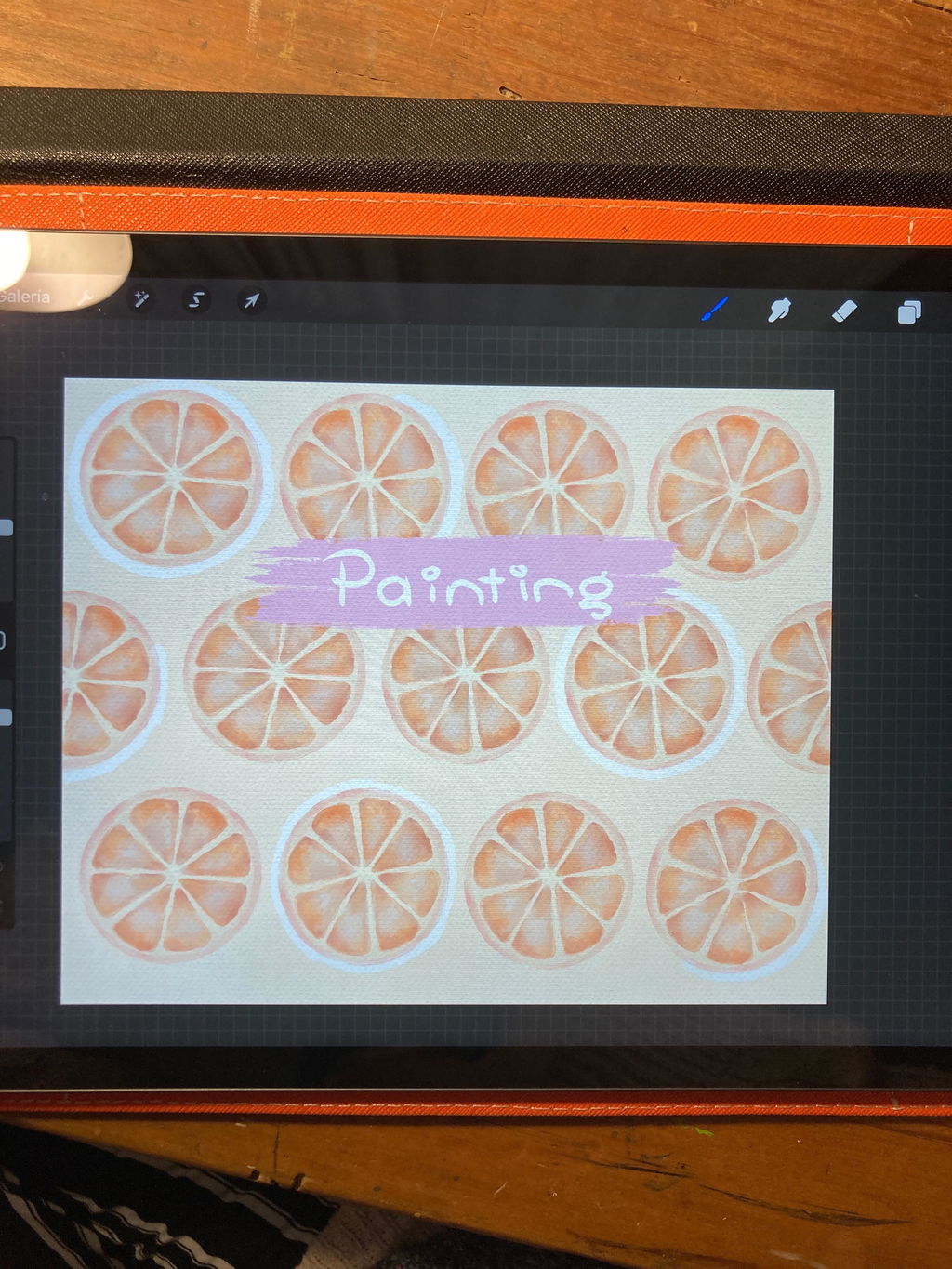
Muy bien explicado paso a paso, estoy amando este curso 🥰😍🩷 muchas gracias por su profesionalismo!!
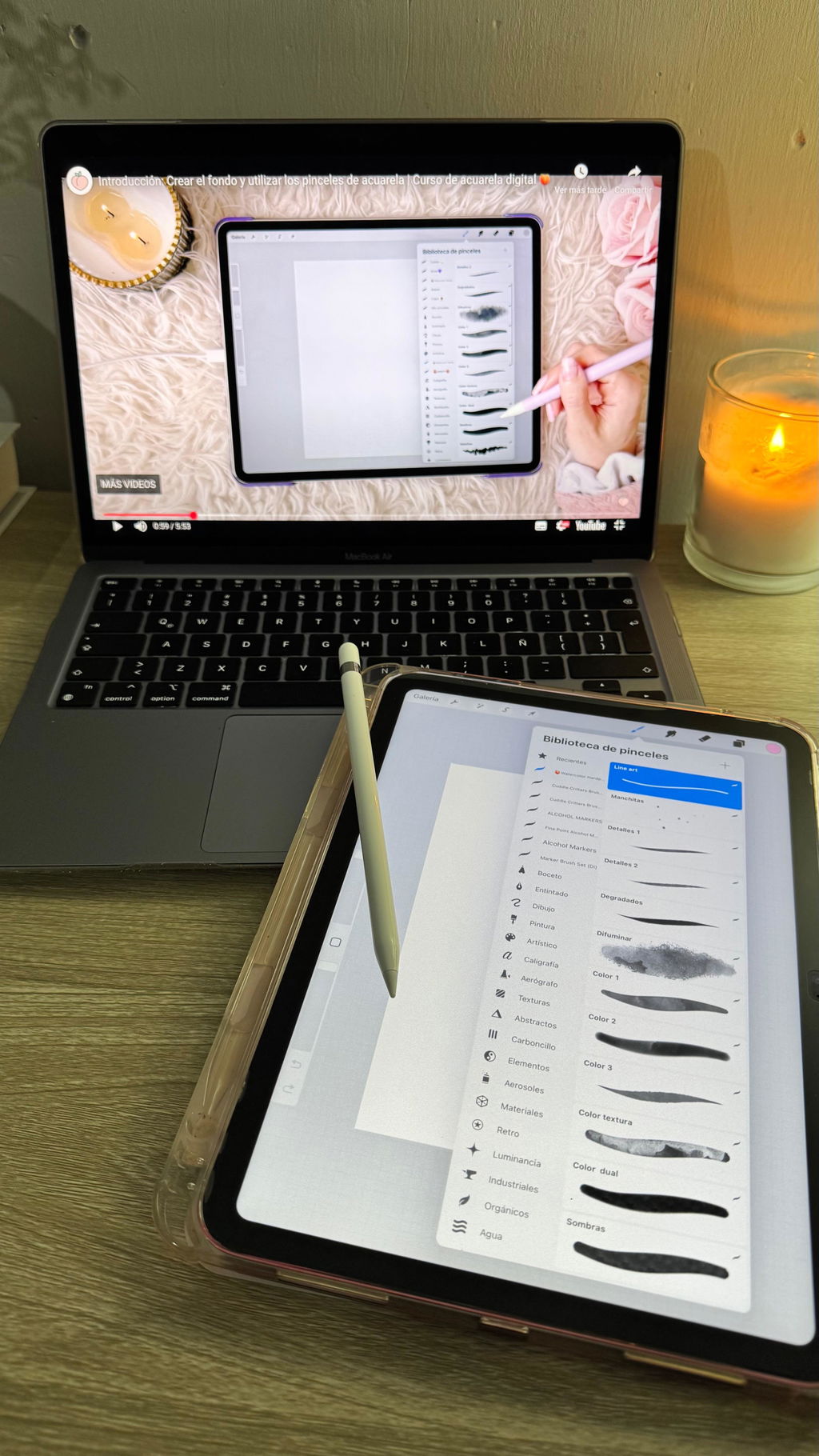
Me encanta la forma que tiene Violeta de explicar y de enseñar, ha sido un curso muy completo y en el que he aprendido mucho. Estoy deseando empezar otro curso , muchas gracias Violeta por tu trabajo y dedicación :)
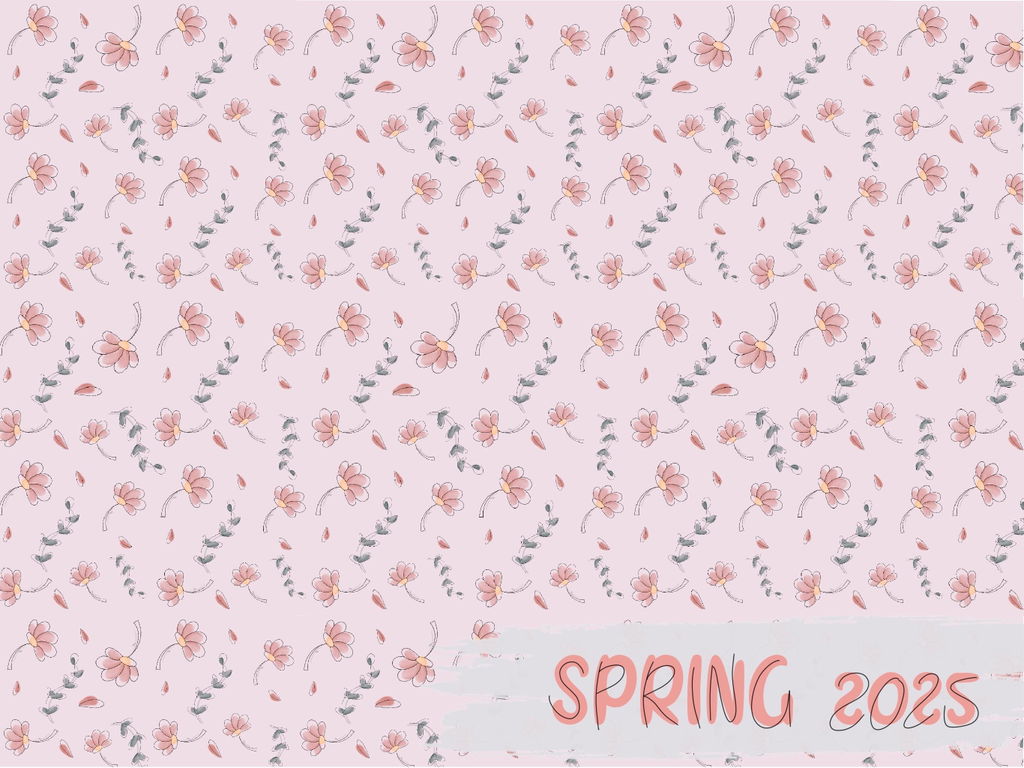
Cumplió con mis expectativas, amo todos los cursos de Violeta, porque tiene la paciencia y pasión para explicar bien, he aprendido mucho el uso de Procreate gracias an ella.
Recomiendo al 100% sus cursos, ya son varios que he tomado con ella y lo seguiré haciendo para aprender más
Gracias Violeta
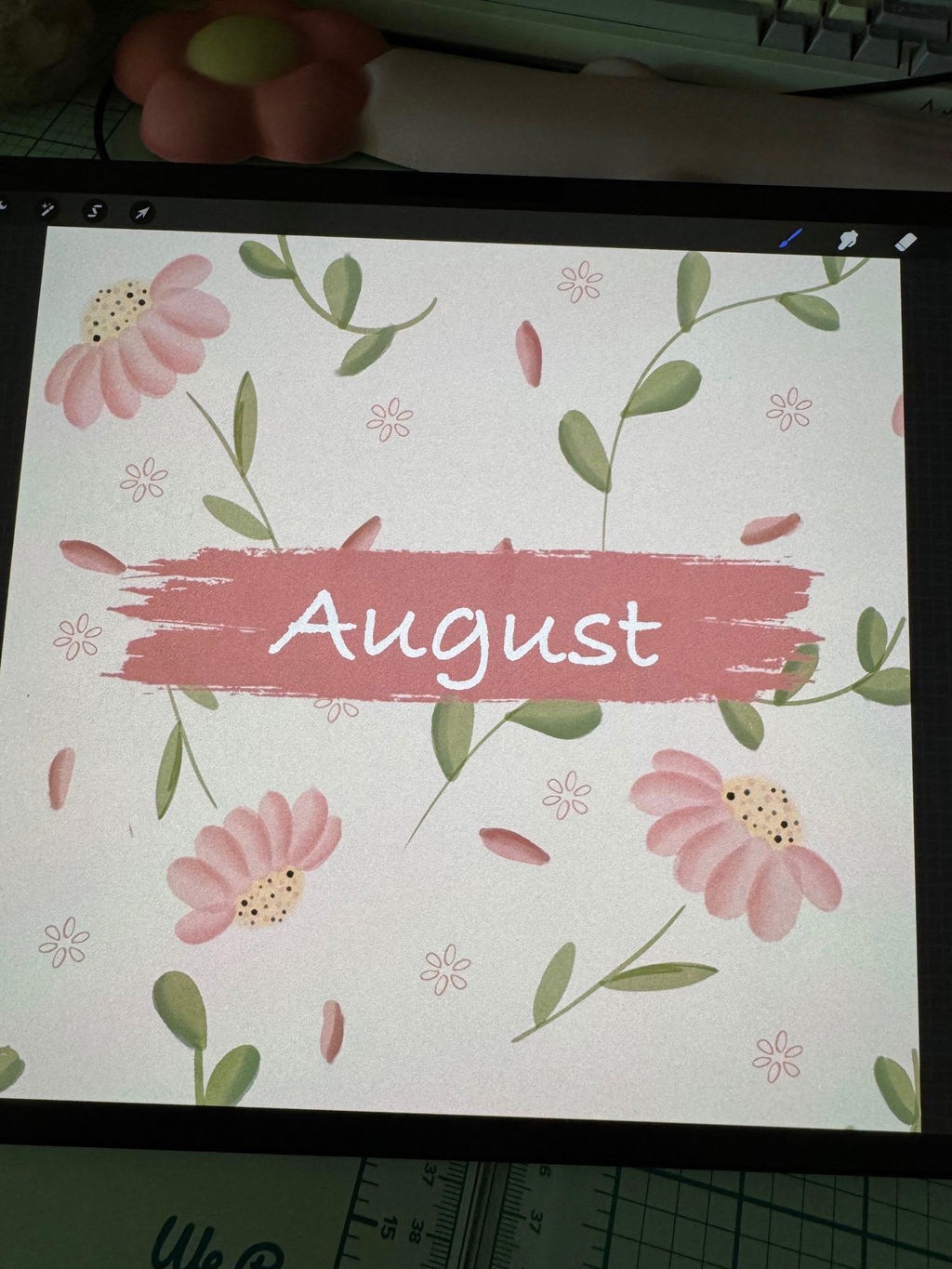
Este curso me está encantando. Te ofrece todo el material que necesitas para poder realizarlo. Las explicaciones son claras y sencillas y te permite crear desde la primera elección prácticamente. He hecho cursos en otras plataformas y este de Hard peach gana por goleada. Sin duda, repetiré con más cursos.
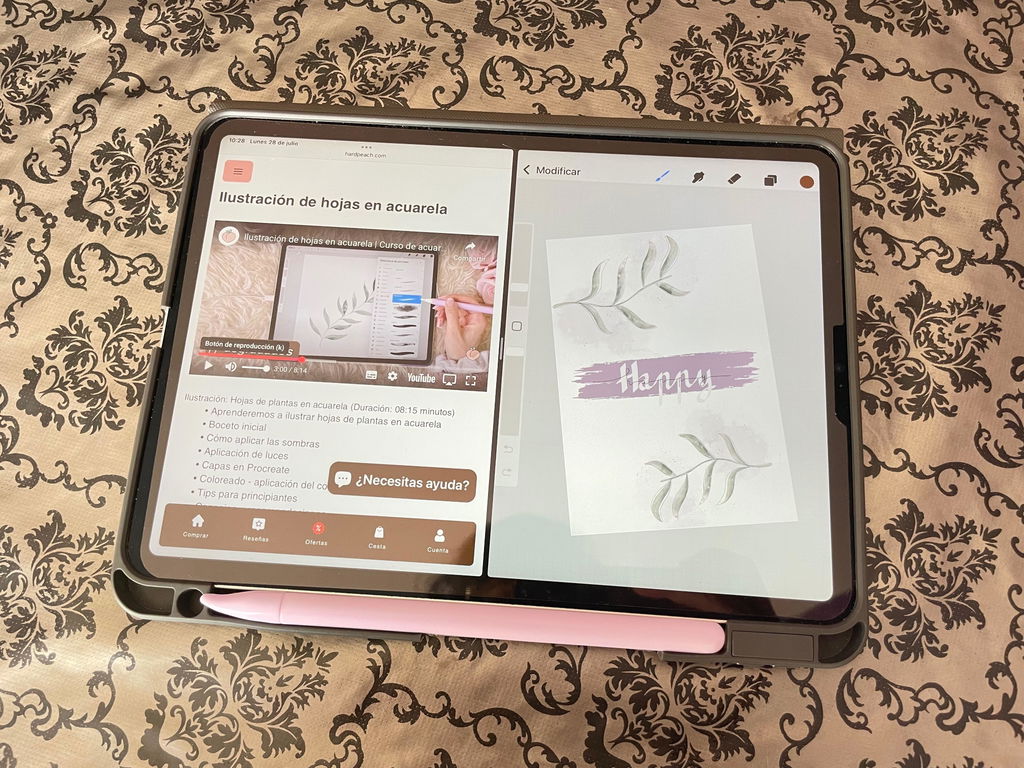
Nunca habia dibujado ni nada en digital y realmente lo estoy pasando increible! Se nota todo el cariño y dedicación que le pone, porque explica con mucha claridad y hace que aprender sea sencillo, incluso para quienes no tenemos experiencia previa. Ya he podido hacer varias ilustraciones gracias a sus enseñanzas.
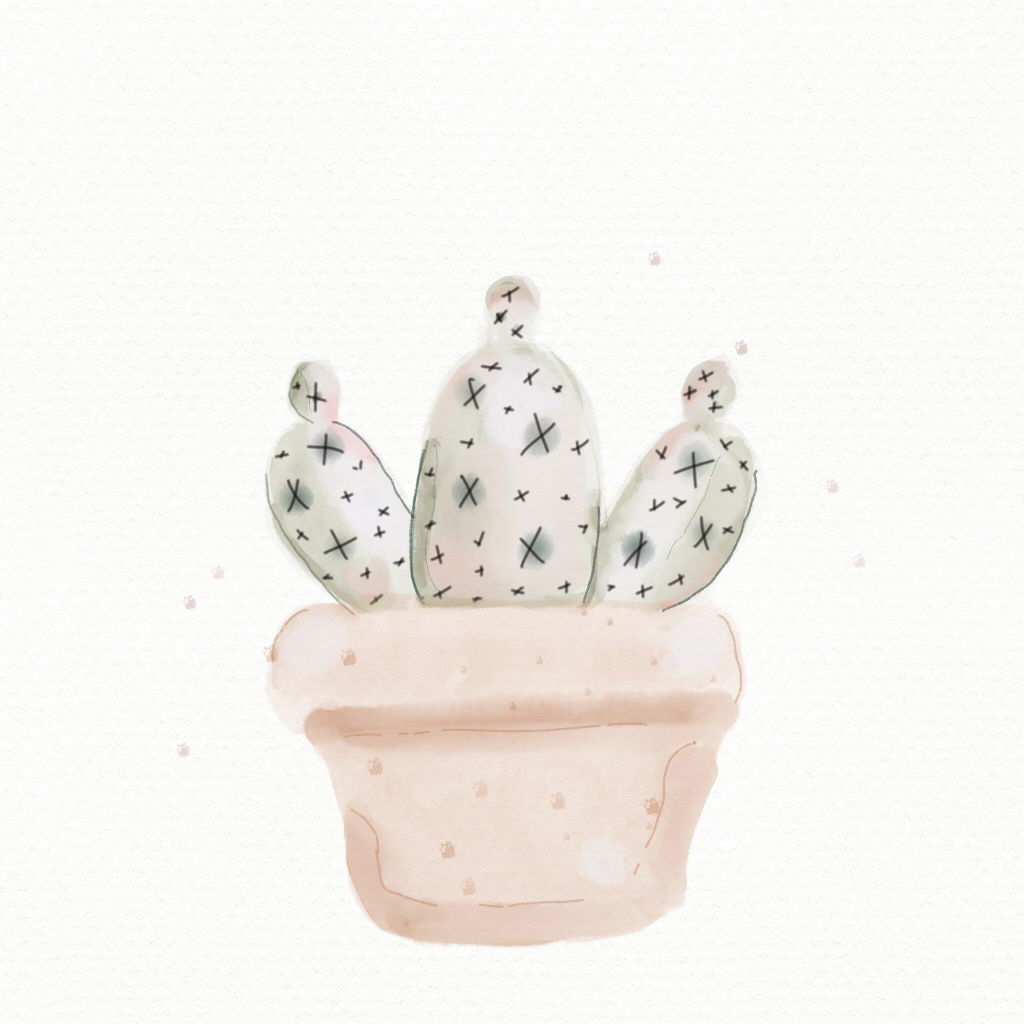
Un curso muy bonito donde aprenderás poco a poco a hacer dibujos en acuarela. Los recursos que ofrece están muy bien y gracias a los vídeos es muy fácil de hacer.
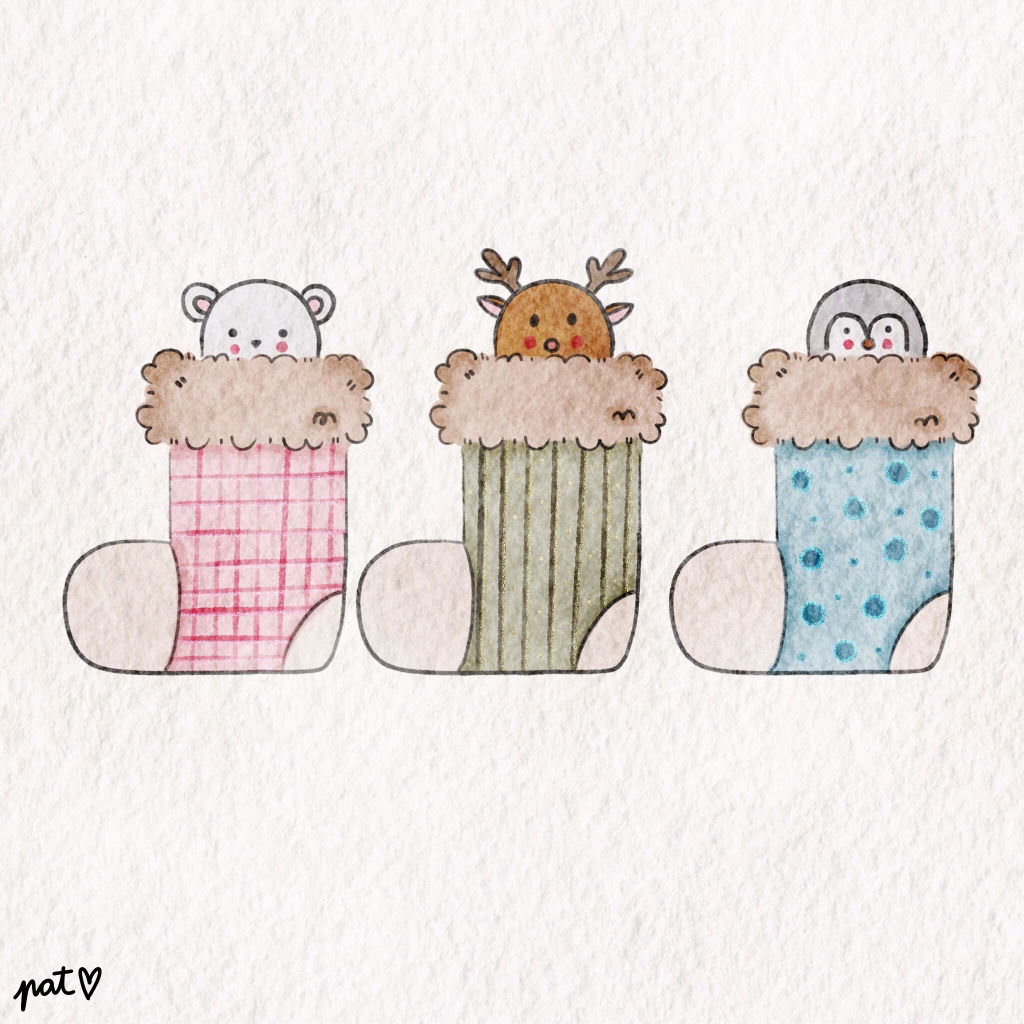
Muy lindo curso, muy buena explicacion. La profesora se nota que entiende y lo explica de forma facil para principiantes. Los pinceles es lo mejor, son muy utiles y faciles, ya te vienen con los efectos y puedes añadir agua o difuminar, es muy creativo y entretenido. Lo pase muy bien y aprendi mucho. Es el que mas me gusto. Seguramente haga los otros tambien de esta web
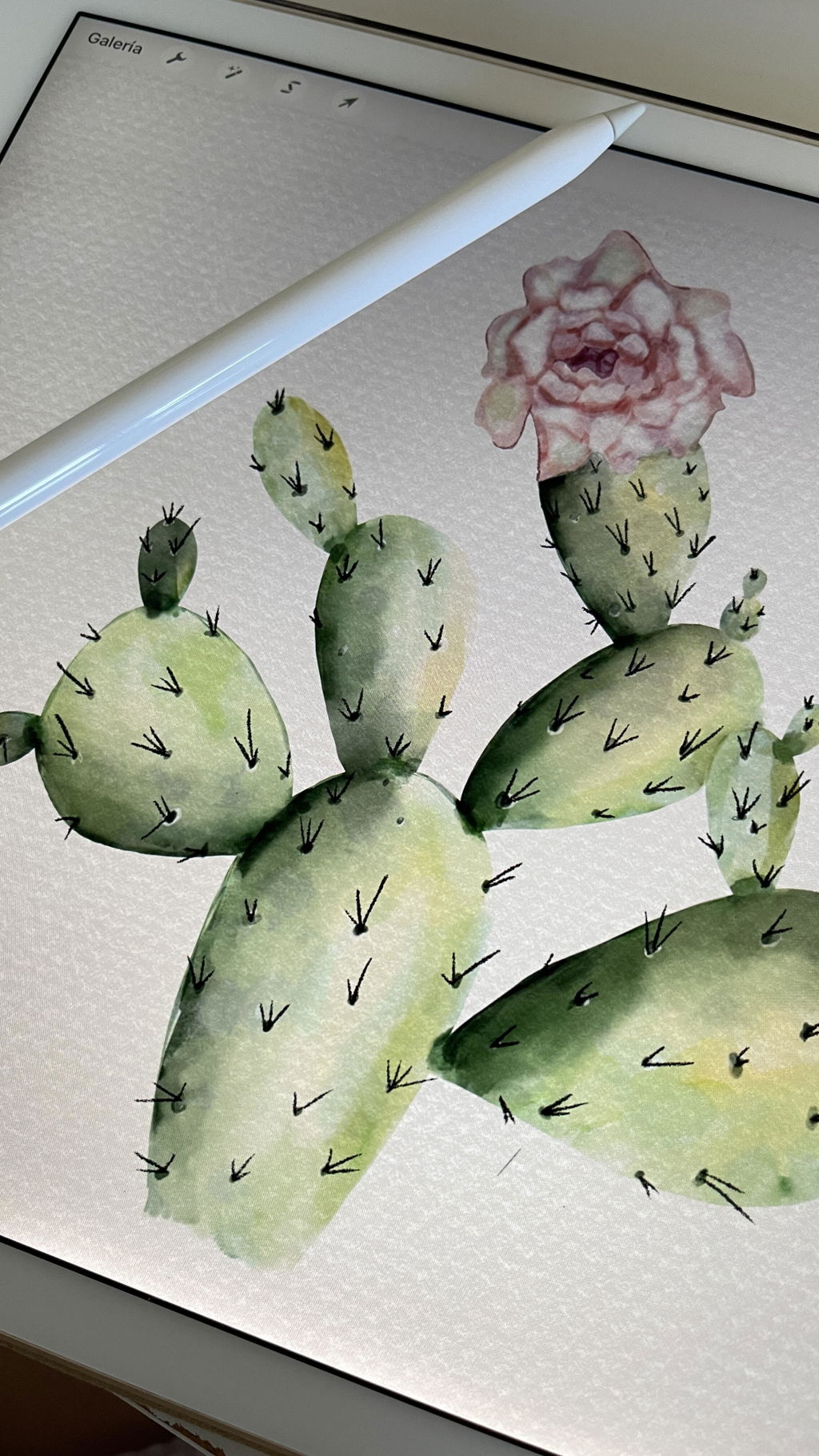
Me encantó es muy fácil de aprender y sobre todo los pinceles bellísimos dejando trabajo lindo... aún me falta la fruta no es lo mío pero las flores me encanto hacerlas
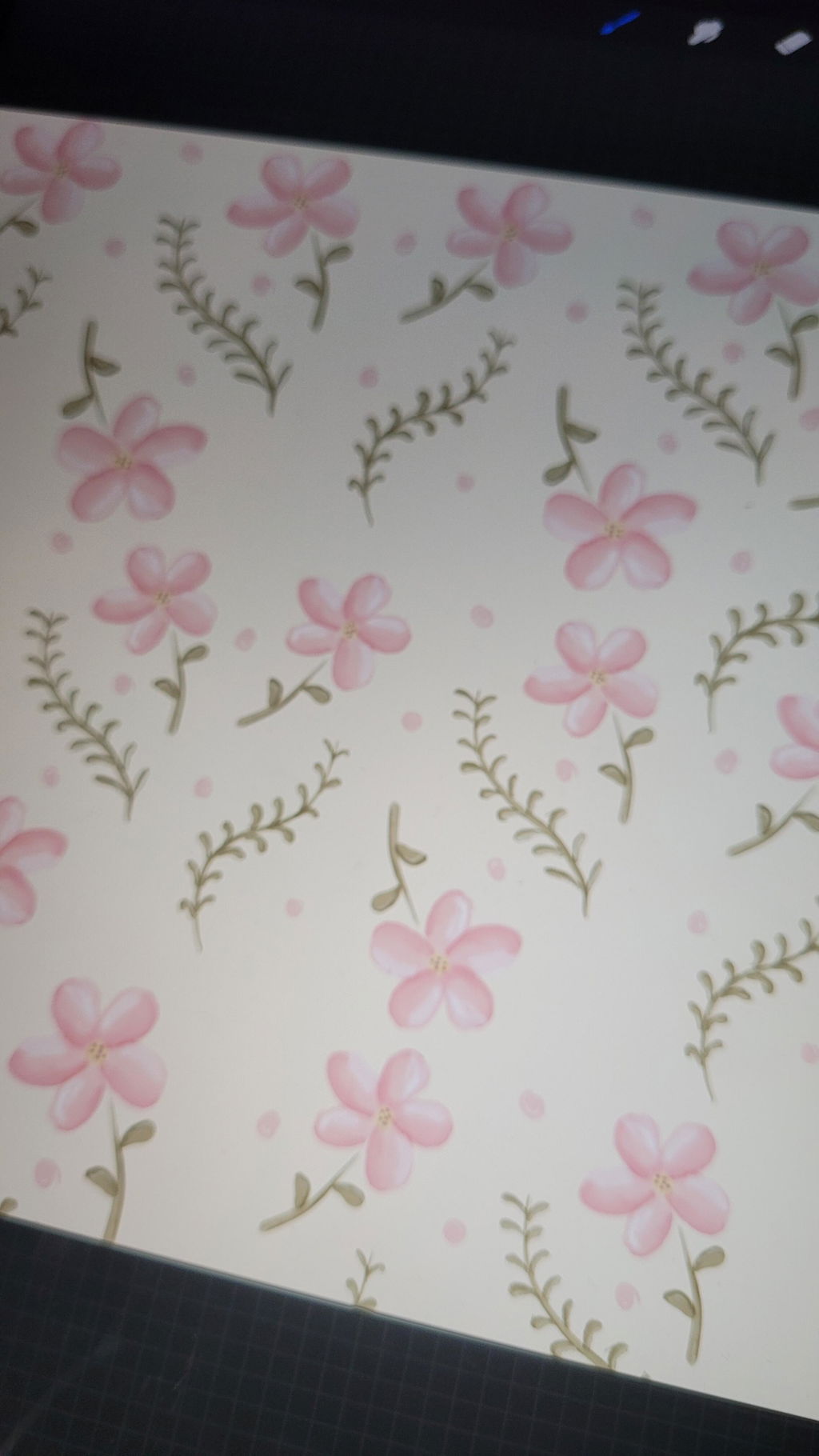
He aprendido mucho!! Me parece super util y muy util! Me parece una buena tecnica si eres principiante en ilustraciones digitales y en procrate ✨ si duda terminando este entrare a otro curso
Aplicare mis conocimientos nuevos en mis
Propios proyectos ✨
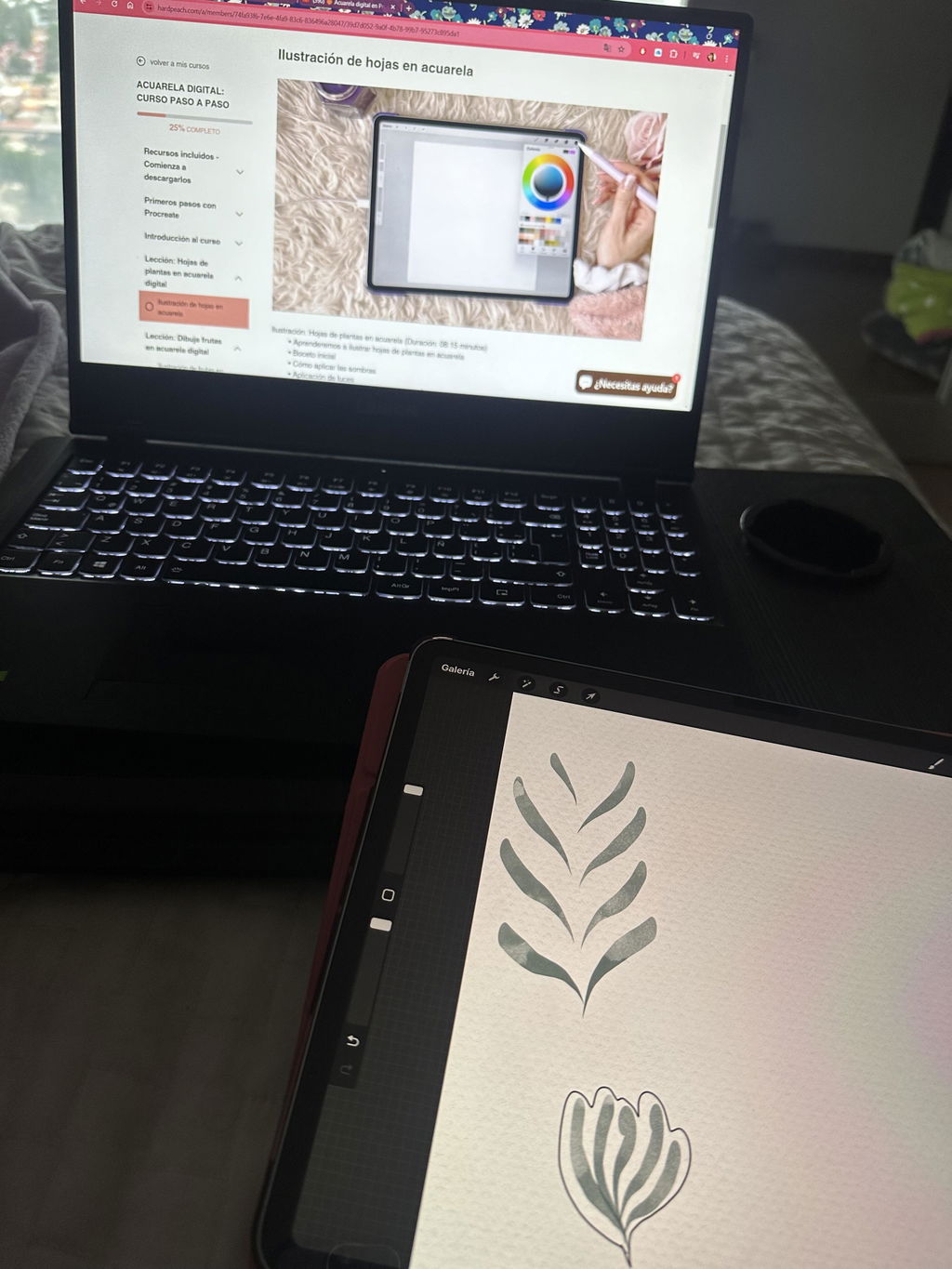
Me ha encantado este curso de acuarela digital en Procreate, yo no tenia ni idea de esto pero la profe es una maravilla! He aprendido muchísimo, las clases son faciles de seguir y muy practicas. Aprendes muchísimo a hacer tus propios proyectos. Ahora voy a apuntarme a los otros cursos que tiene porque desde luego son maravillosos!!! Me apuntaré a todo los cursos que saquéis son increíble! Ademas me encantan que sean cursos tan económicos se agradecen mucho!!
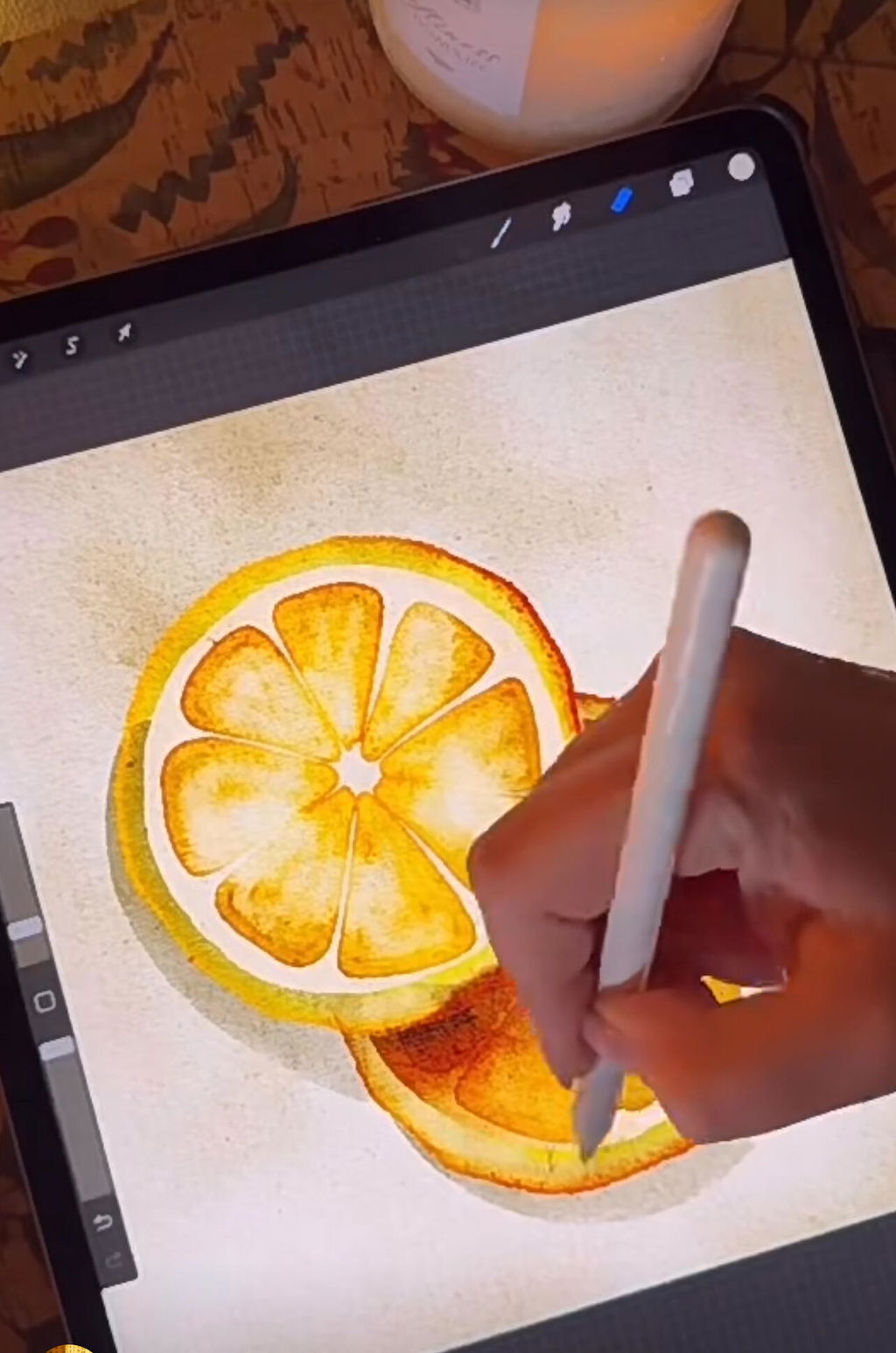
Me gusto mucho el curso y los pinceles, era lo que hace tiempo estaba buscando.
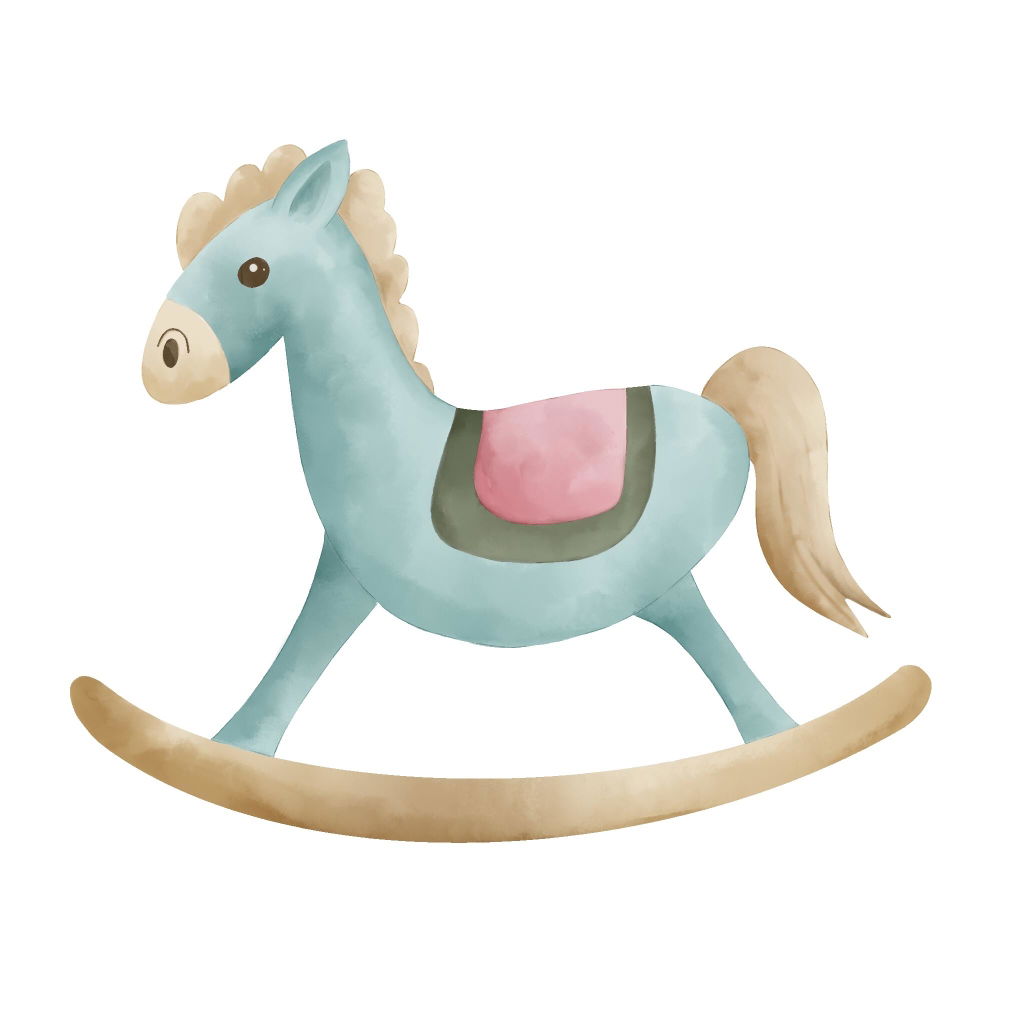
Los pinceles son realmente buenos y los tutoriales son fáciles, perfecto para principiantes y avanzados. 10/10
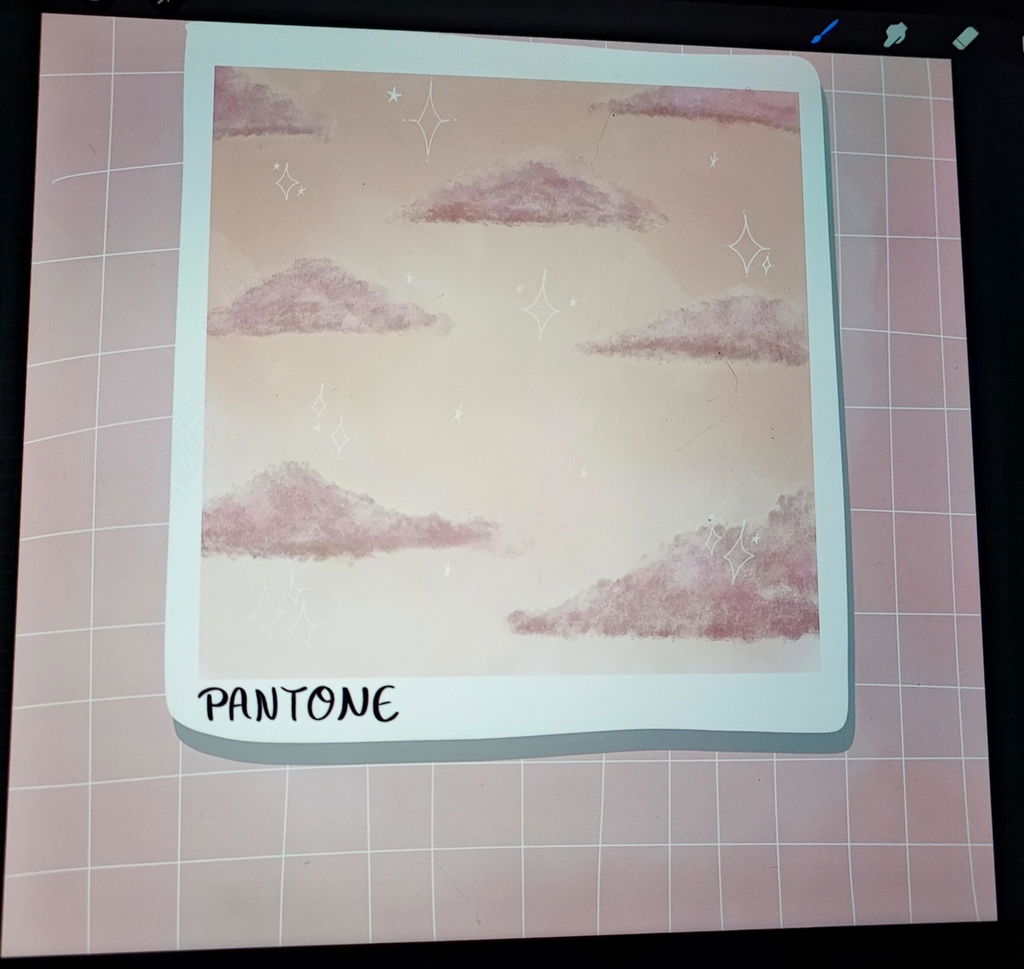
Explica todo muy bien, y lo mejor es que no hay fechas límite y puedes ir a tu propio ritmo!!

El curso de acuarela digital de HardPeach es una excelente opción para aprender o mejorar tus habilidades en esta técnica, de verdad que HardPeach te ofrece calidad en cada uno de sus productos, yo he aprendido mucho sobre la ilustración digital, gracias a HardPeach y a su equipo que dan la mejor calidad a sus clientes!
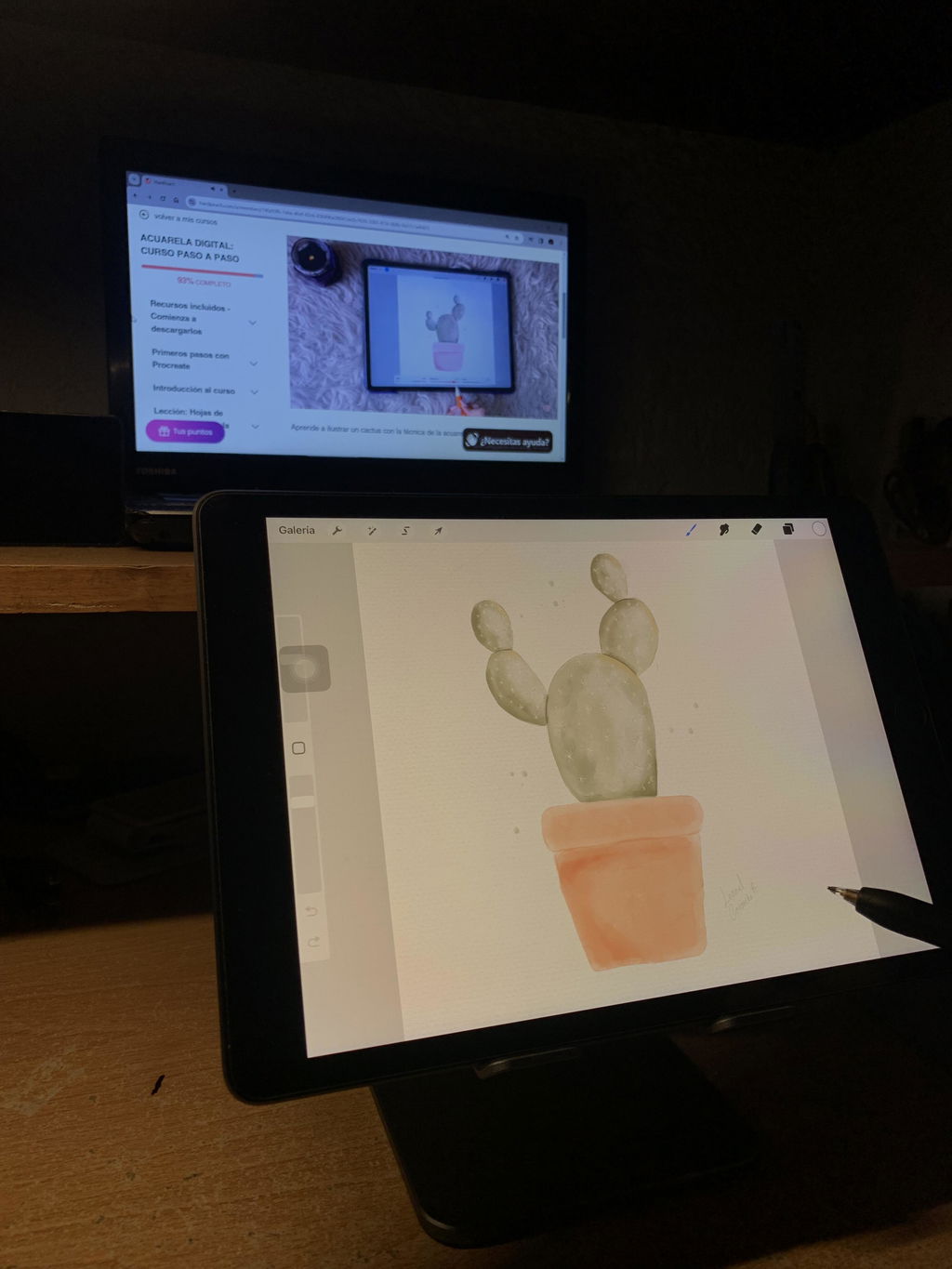
Un curso super genial, he tomado todos los cursos de ilustración de HardPeach y me han gustado todos, este año me propuse ser mejor en ilustración digital y que mejor con estos cursos, te lo recomiendo mucho!
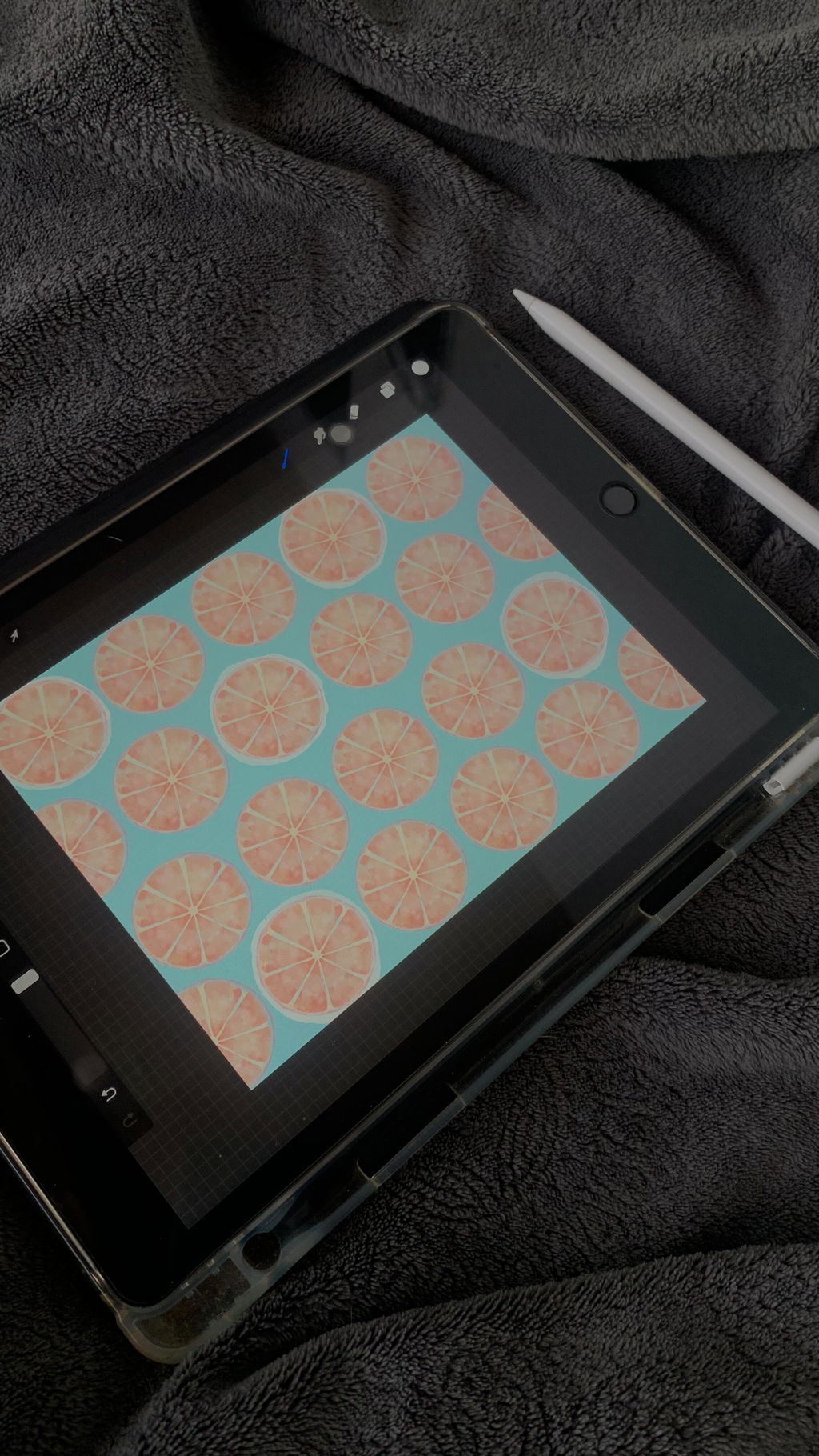
¿Cuánto tiempo tengo para completar el curso de acuarela en procreate?
Hola Tania,
¡El tiempo que necesites! No hay límite de tiempo para completar el curso. Tendrás acceso para siempre y puedes ir accediendo en el horario que mejor te conviene. Escríbeme si te puedo ayudar con alguna duda adicional.