


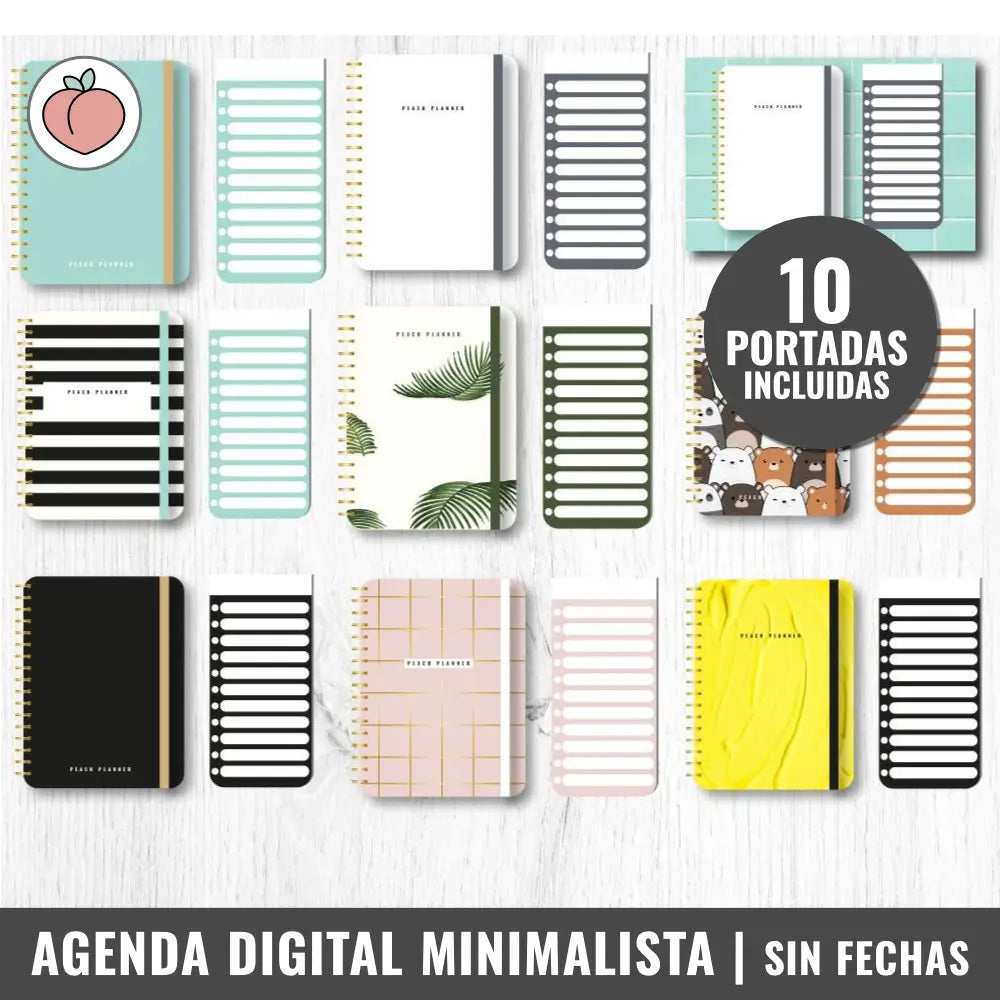
La papelería digital HardPeach está pensada para utilizarse en distintos dispositivos (iPad, tablet, ordenador o móvil). Puedes instalarla y utilizarla en diferentes dispositivos mediante una app de notas compatible.
Si no sabes qué app usar o quieres confirmar si la que ya utilizas es válida, puedes escribirnos por el chat y te acompañaremos paso a paso para que empieces de forma fácil.
🍎 iPad y iPhone
Goodnotes, Freenotes, Kilonotes, Noteful, Noteshelf, Starnote, Notability, Notas+, Notes Writer, Notewise, Flexcil, Wellnote, Collanote, Boardnotes, Prodrafts, Myscript Notes y apps similares.
💻 Mac
Goodnotes, Noteshelf, Notability y apps similares.
📲 Dispositivos Samsung
Samsung Notes, Starnote, Freenotes, Kilonotes, Noteshelf, NoteIN, Goodnotes, Notewise, Flexcil, Touch Notes, Penly, Myscript Notes y apps similares.
🤖 Dispositivos Android y Huawei
Starnote, Freenotes, Kilonotes, Noteshelf, NoteIN, Notewise, Flexcil, Touch Notes, Goodnotes, Penly, Journal, Jnotes, Myscript Notes y apps similares.
🪟 Sistema Windows
DrawBoard PDF, XODO, Goodnotes y apps similares.
Los clientes elogiaron este planificador digital minimalista por considerarlo «muy dinámico» y «completo» con secciones útiles para la organización diaria. El formato sin fecha y reutilizable con vistas mensuales/semanales es «fácil de usar» y altamente personalizable. Algunos compradores señalaron que la configuración requiere el ingreso manual de la fecha, y uno consideró que la sección de vuelos era innecesaria.
- Muy completo y útil para mi rutina diaria
- Bueno, funcional, fácil de usar
- Es mucho más fácil de adaptar a mis necesidades personales
Me ha gustado mucho lo completa que es y lo útil que me está resultando en mi día a día.
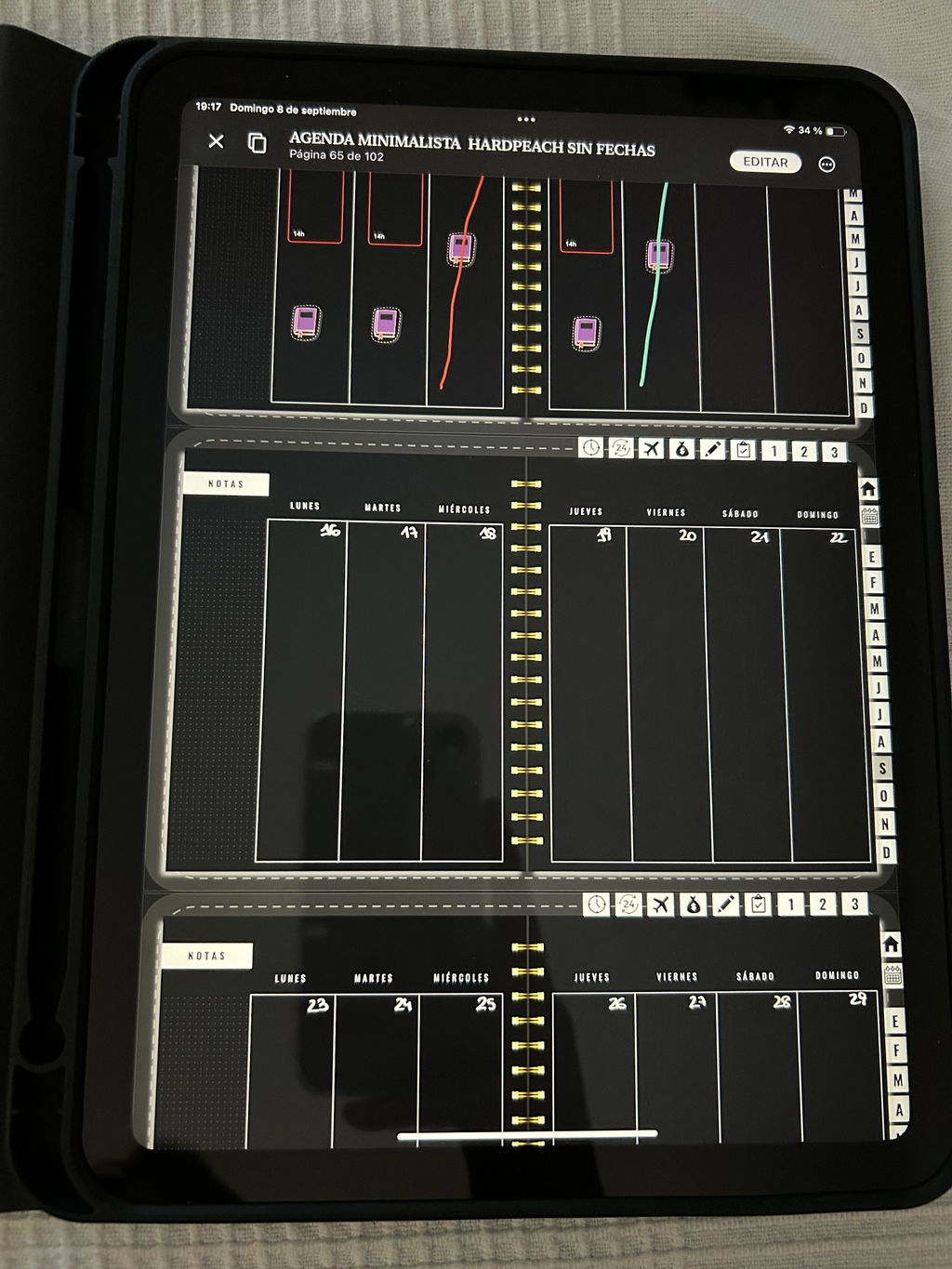
Me gusta mucho, justo lo que estaba buscando
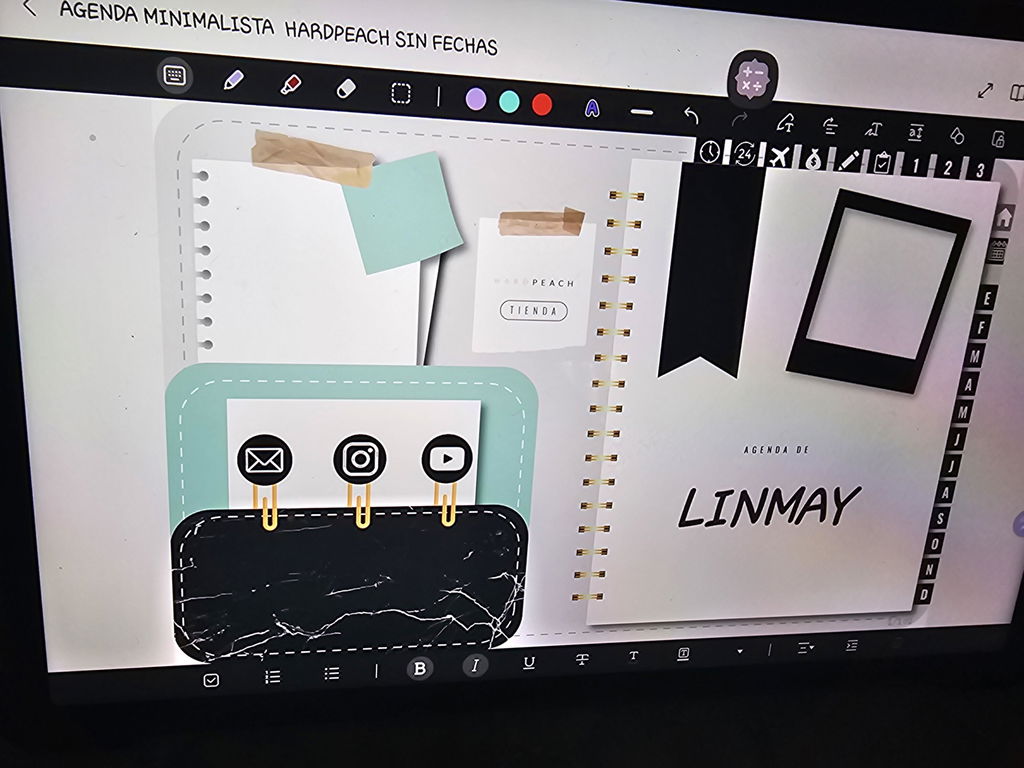
Me ha fascinado, la verdad es que ya tenía la agenda pro con fechas y por día pero quise variar un poco y comprar esta versión por semana y sin fechas y resulta que se me hizo mucho más fácil de adecuar a mis necesidades personales. Compré a la par los stickers de fechas e incluso unos de bullet journal que también incluyen fechas y uf 😍 me apasiona!!!
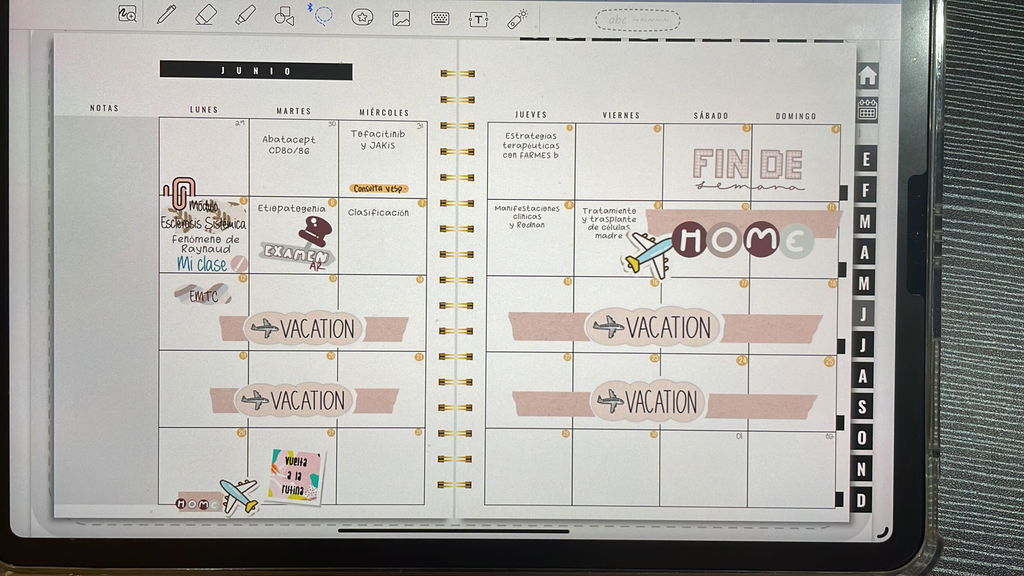
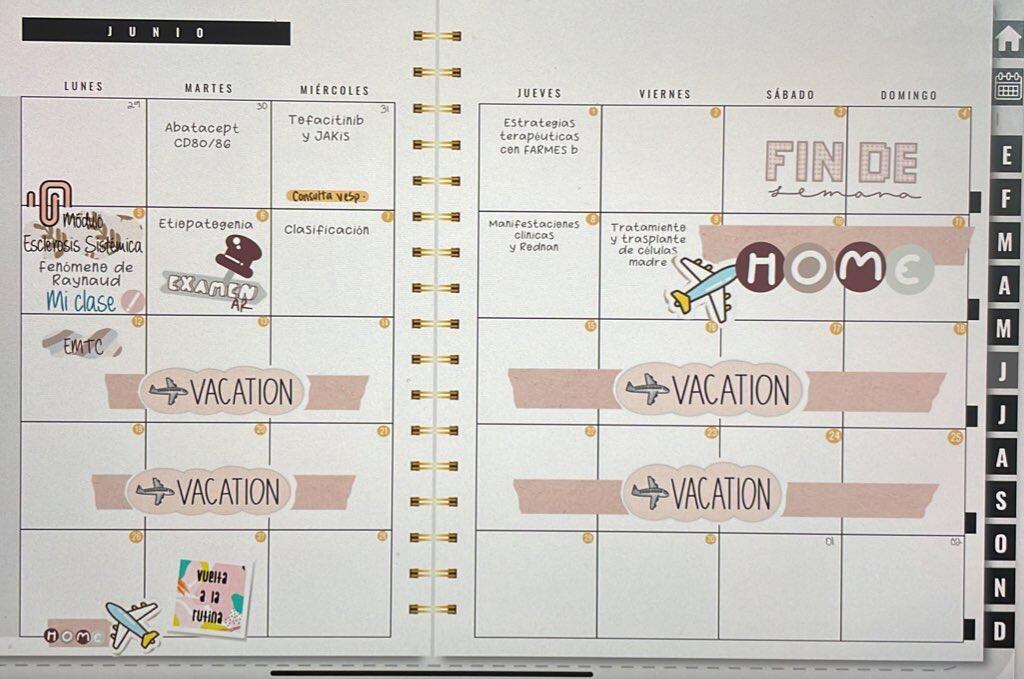
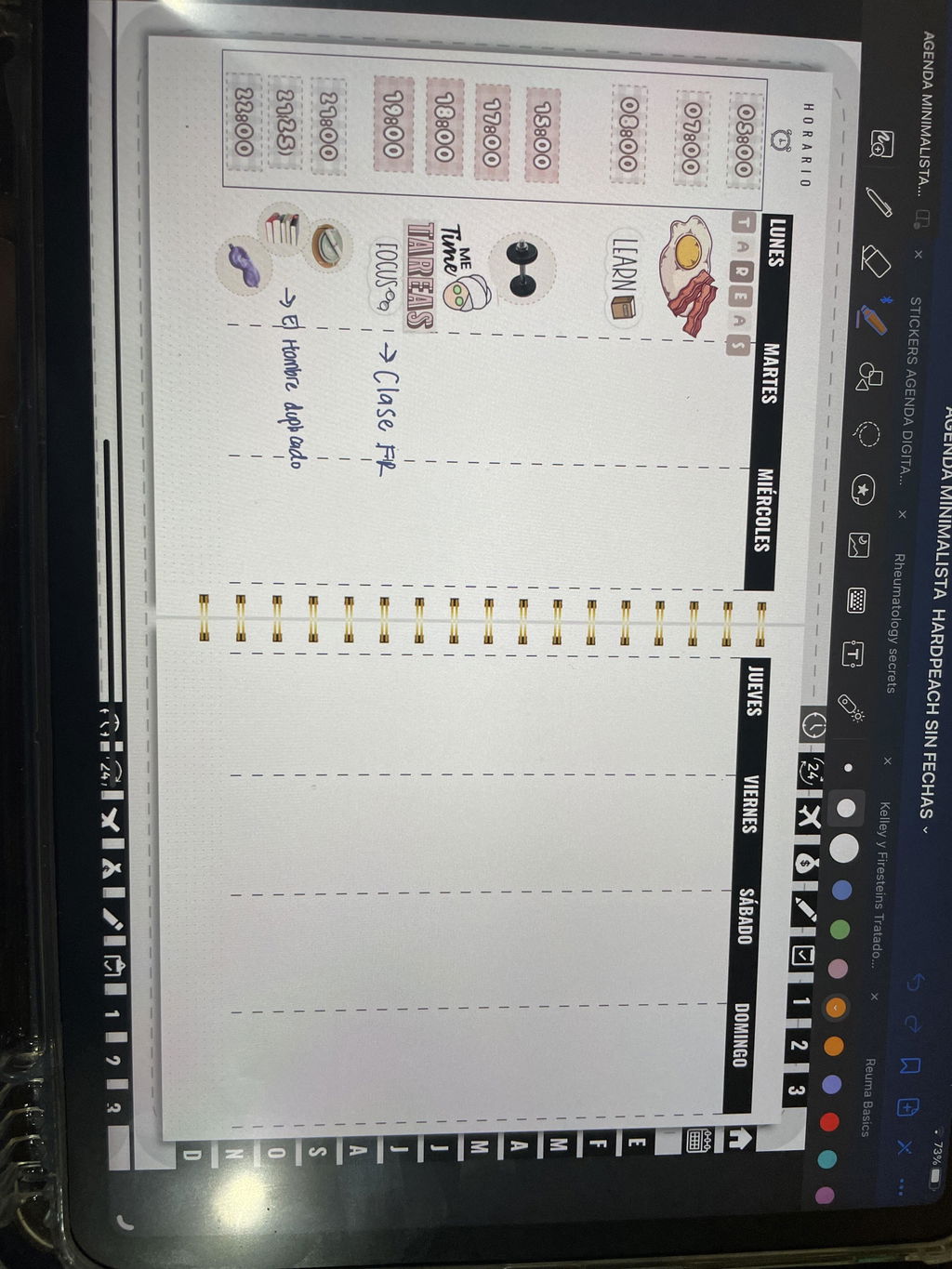
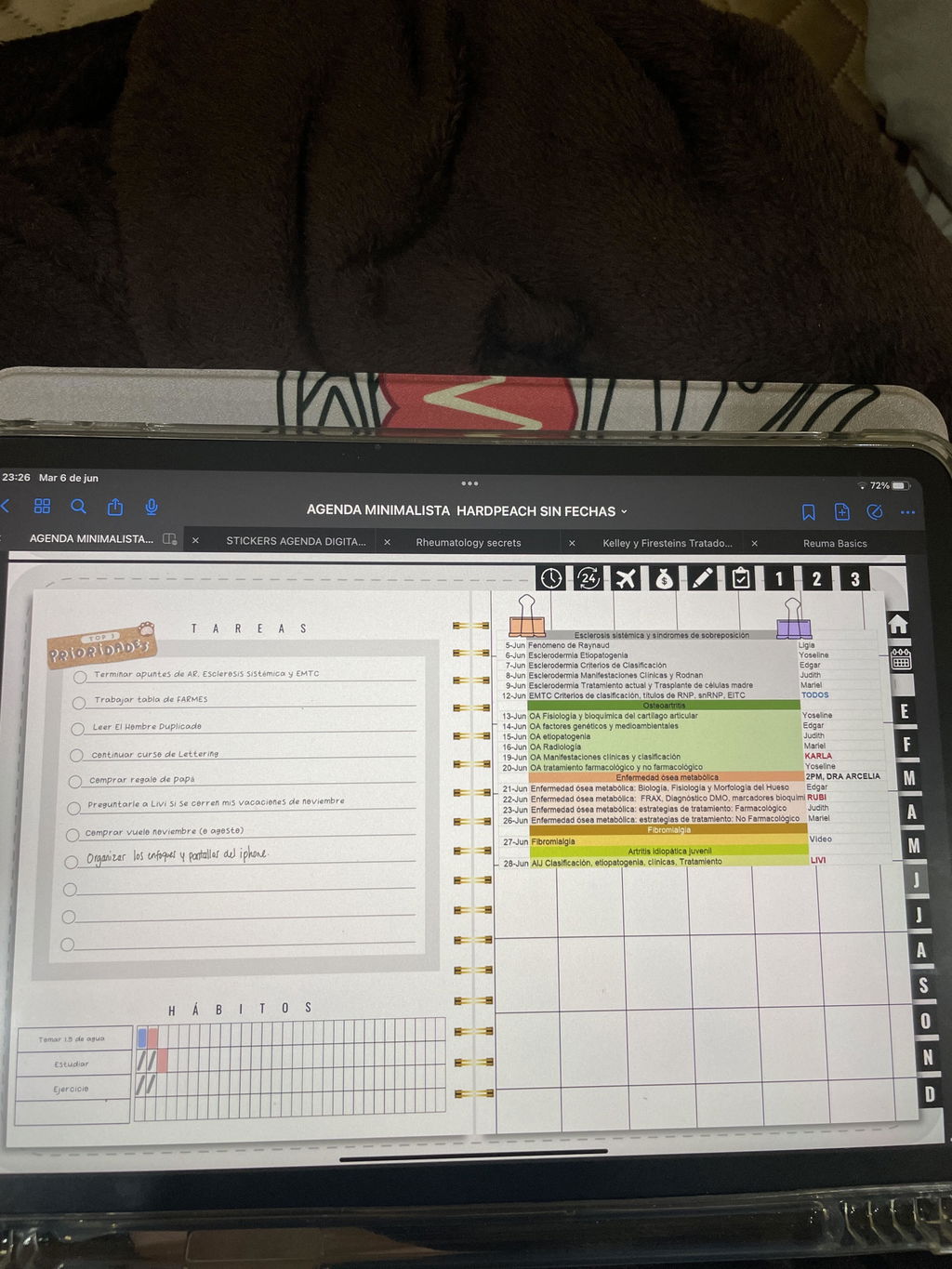
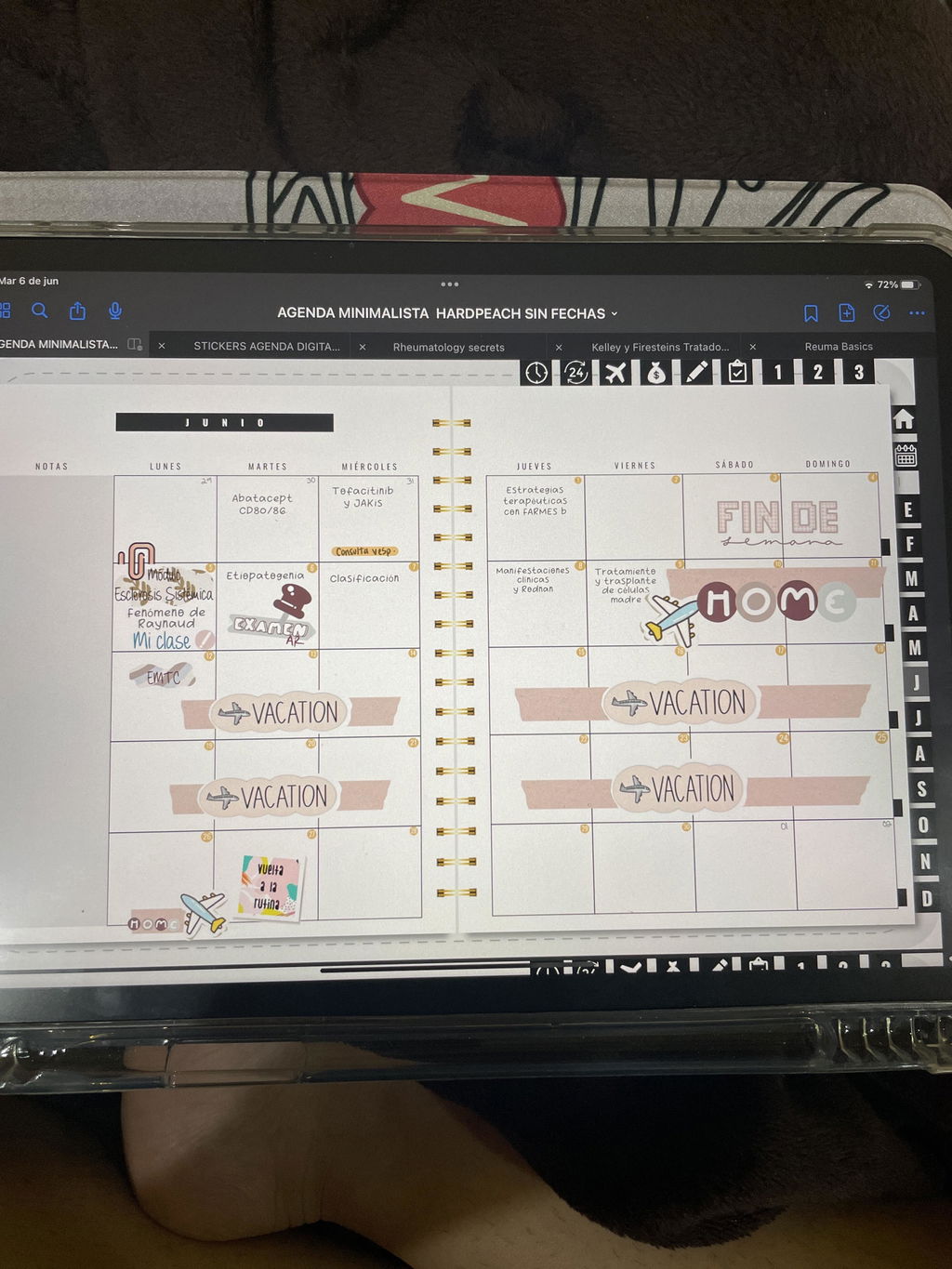
A mi me ha gustado mucho esta agenda, porque puedes termiártela de hacer como tu quieras y te sirva para todos los años.
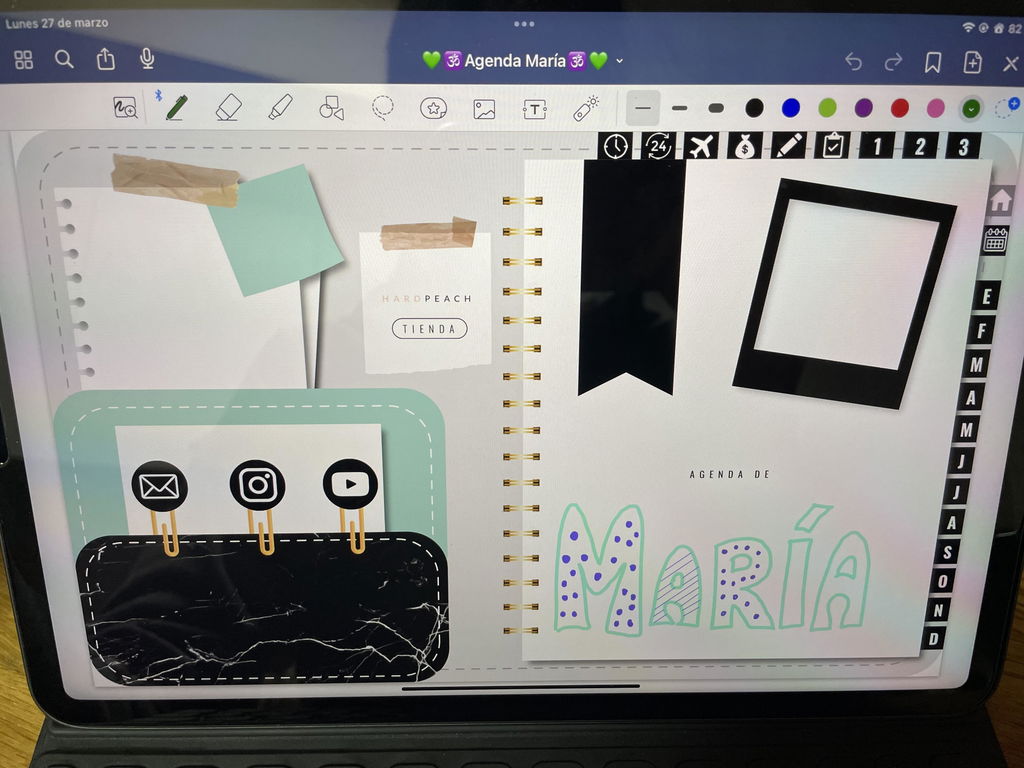
La angenda es justo lo que buscaba, minimalista, con un toque profesional y totalmente personalizable. Tiene tantas secciones que no uso todo al completo pero super practica.
La unica critica es que debo admitir que es trabajoso tener que ponerle numeros a todos los meses, recomendaria que venga con plantillas aparte para adaptarla al año por mes y no numeros separados inviduales.
En Samsung notes esto es mas trabajoso que en otras apps por lo que veo.
Aun asi recomendada al completo, incluso para mi que no soy particularmente creativo con este tipo de cosas, aun asi me encanto.
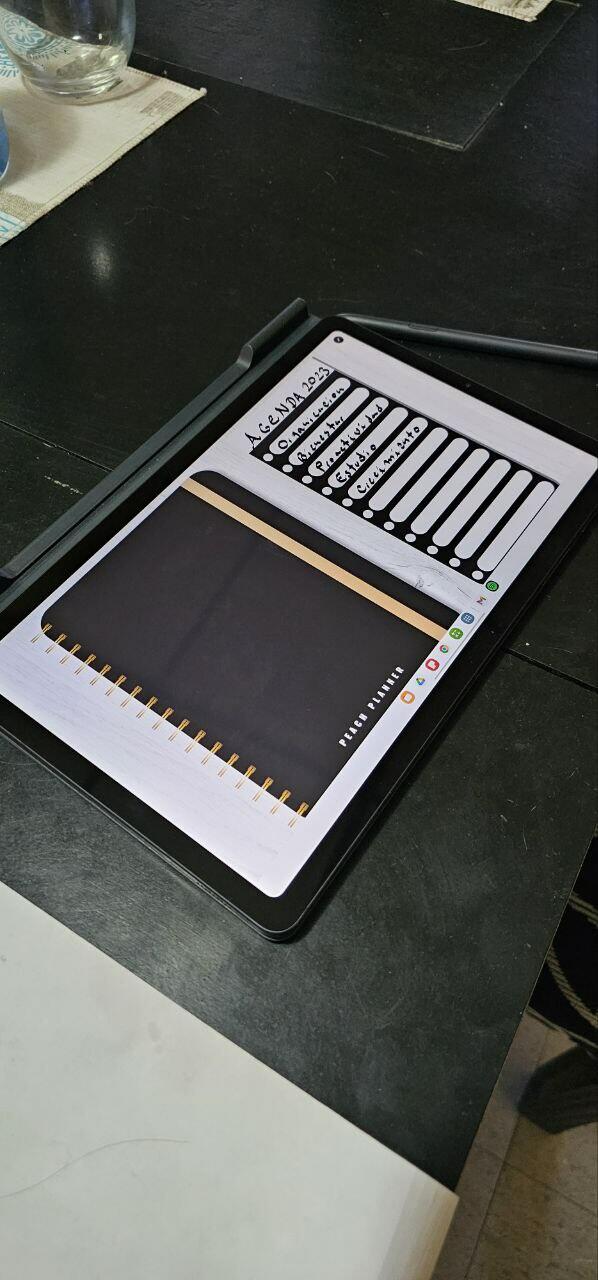
Hola Maximiliano! Al ser una agenda sin fechas deberás ir agregando el período que vas a estar utilizando, puedes realizarlo con el bolígrafo directamente ¡Es más rápido!
En caso de que quieras realizar esto con stickers, puedes copiar los números y pegarlos todos juntos en cada mes, únicamente tendrías que moverlos de sitio para que coincida con el día. Puedes realizar esto último con la herramienta de lazo de Samsung Notes
Ante cualquier duda puedes escribirnos por el chat de la web y te ayudamos!
Un saludo!!!
Es muy dinámica, me encanta el diseño. La atención es excelente y muy rápida.
Me es muy útil cada apartado que contiene.
Buena, funcional, fácil de usar
Me encantó, lo unico que le quitaría y no puedo es el tema de los vuelos porque yo no viajo mucho, o mas bien nada, entonces esa pestaña me es inservible y me estorba en los iconos. ¿se puede quitar?
Hola María!! Muchas gracias por tu reseña, ¡Nos encantó leerte!
No es necesario rellenar todas y cada una de las secciones extra incluidas, ya que son secciones adicionales que no afectan a la agenda en sí porque están de manera independiente. Escríbenos ante cualquier duda, un saludo
